
What Is A Kindle Book Reader

📖 Table of Contents
- What Exactly Is a Kindle Book Reader?
- How Does a Kindle Work for Learning?
- What Makes a Kindle Unique for Education?
- The Benefits of Using a Kindle for Homeschooling
- How to Get the Most Out of Your Kindle for Learning
- What Are the Best Kindle Models for Learning?
- How to Introduce a Kindle to Young Learners
- Make It Your Way
- Frequently Asked Questions
I remember the first time I held a Kindle in my hands, back when I was teaching my son to read. It was a quiet Saturday afternoon, and we were exploring a new way to make reading more accessible and engaging. The device felt smooth, light, and almost like a book but with the magic of being able to carry hundreds of titles in one slim package. That moment opened a new chapter in our learning journey — and that's exactly what a Kindle book reader does: it transforms the way we read, learn, and grow.
The term 'Kindle book reader' might seem straightforward, but it's more than just a name for a device. It's a gateway to a world of knowledge, stories, and learning resources that can be accessed anytime, anywhere. Unlike traditional books. Require physical space and can be heavy to carry, a Kindle allows you to store an entire library in your pocket — and it's perfect for homeschoolers who need a variety of educational materials at their fingertips.
As a homeschooling parent, I've tested various learning tools, and the Kindle has consistently stood out for its versatility, portability, and ease of use. It's not just about the device itself, but the experience it creates — from the ability to adjust font sizes for young learners to the convenience of downloading books instantly. It's a tool that fits into our educational goals perfectly, and I'm excited to share everything you need to know about what a Kindle book reader really is.
Why You'll Love This Educational Tool
- Access to a vast library of educational and recreational books
- Adjustable font sizes for different reading levels and needs
- Portability for learning on the go
- Built-in features like dictionary and highlighting for deeper comprehension
What Exactly Is a Kindle Book Reader?
As of October 2026, at its core, a Kindle book reader is an e-reader — a digital device that allows you to read books, articles, and other written content on a screen. Unlike a traditional tablet, which can run apps and browse the internet, a Kindle is optimized for reading, with a focus on battery life, screen readability, and portability.
The first Kindle was released in 2007, and since then, Amazon has refined the technology to make it more user-friendly and accessible. Today, Kindle devices come in various models, from the basic Kindle to the more advanced Kindle Paperwhite, each with its own unique features.[1]
For homeschoolers, a Kindle book reader is more than a convenience — it's a valuable educational tool. It allows you to store and access a wide range of educational materials, from textbooks to interactive storybooks, all in one place.
If you're new to Kindles, start with the most affordable model. It's all you need for your first experience with an e-reader.
How Does a Kindle Work for Learning?
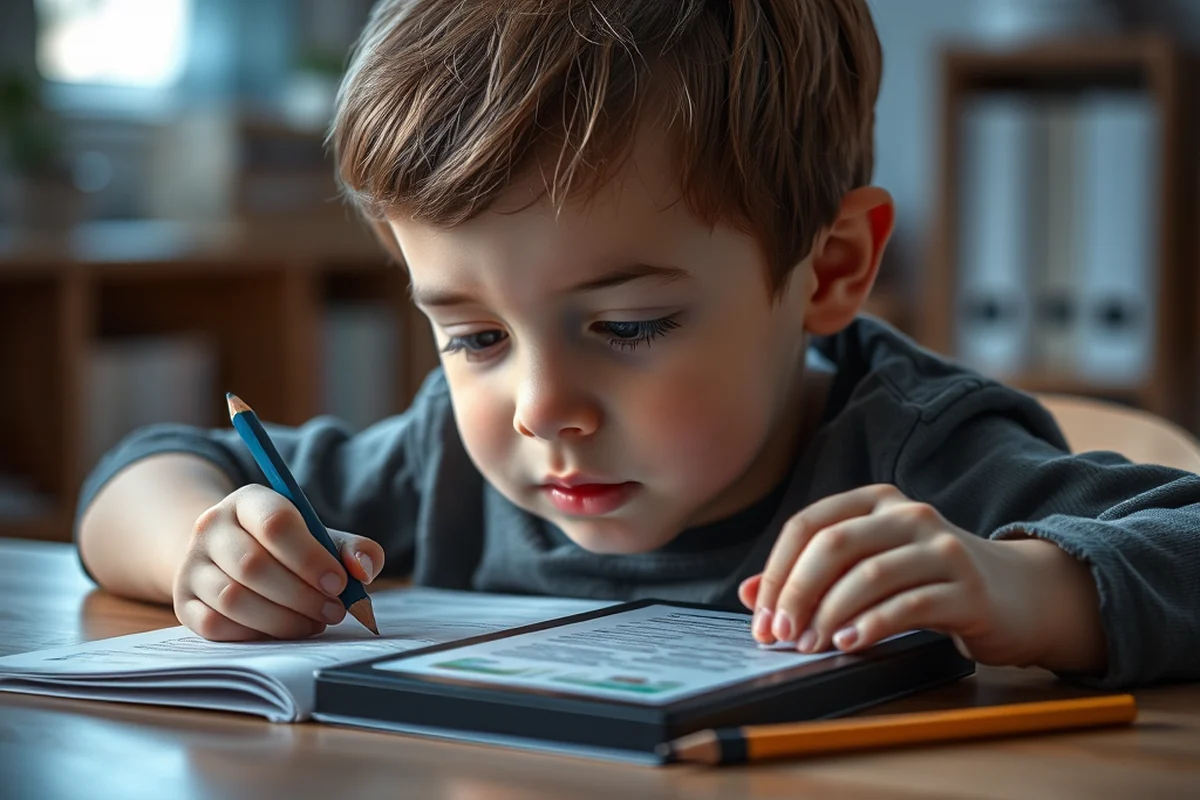
A Kindle book reader connects to the internet via Wi-Fi, allowing you to download books from Amazon’s Kindle Store. Once downloaded, books can be read without an internet connection, making it ideal for learning on the go.
The screen on a Kindle is e-ink, which mimics the look of paper and reduces eye strain compared to traditional LCD screens. This makes it easier for children and adults alike to read for extended periods of time.
As a homeschooling parent, I've found that this feature is especially useful during long study sessions. My son can read for hours without getting tired eyes or headaches, which helps keep him focused and engaged.
An e-ink screen makes reading feel like reading a real book — no eye fatigue, just learning.
Related: Reading books for beginners
What Makes a Kindle Unique for Education?
One of the standout features of a Kindle is its ability to adjust font size and spacing. This is particularly useful for homeschoolers who may be working with children of different reading levels or who have specific needs.
The built-in dictionary feature allows readers to look up definitions without leaving the book, making it an excellent tool for vocabulary building. As a parent, I've found this feature invaluable when my son encounters a word he doesn't understand while reading independently.
Also, the ability to highlight and take notes within a book helps reinforce learning and makes it easier to review material later. It's a simple feature that can make a big difference in how effectively students retain information.
Encourage your children to use the built-in dictionary to look up unfamiliar words. It's a great way to build vocabulary without interrupting the flow of reading.
“I remember the first time I held a Kindle in my hands, back when I was teaching my son to read.”— Teaching Reading to Homeschoolers editors
Related: How to read literature like a professor
The Benefits of Using a Kindle for Homeschooling
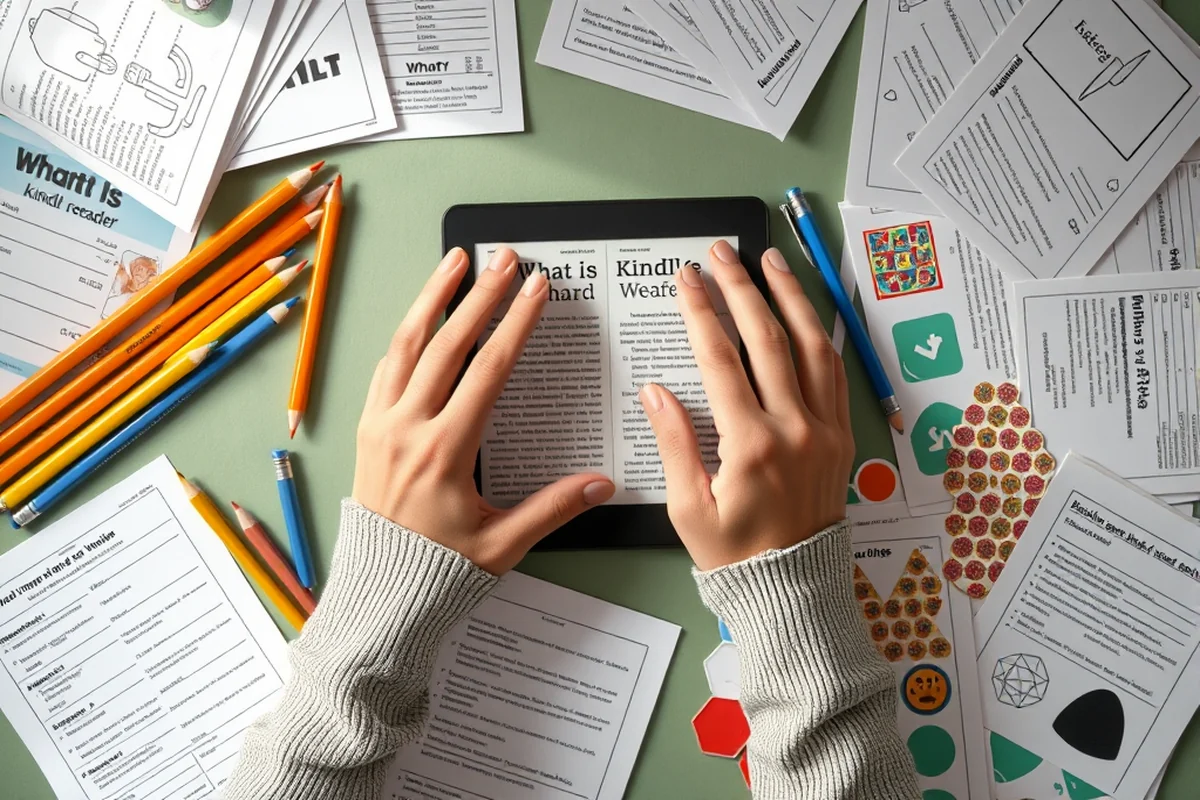
Homeschooling often requires a variety of resources, and a Kindle provides instant access to a vast library of books. Whether you're looking for science textbooks, history novels, or math workbooks, you can find them on Amazon’s Kindle Store.
One of the biggest benefits of using a Kindle is the ability to carry an entire library with you. This is especially useful when you're traveling or working from different locations, as you don't have to carry physical books everywhere.
I've used this feature during our family trips, where we would read in the car, at parks, or even on the beach. It's a seamless way to keep learning going no matter where we are.
Related: What is reading in spanish
How to Get the Most Out of Your Kindle for Learning
Organizing your Kindle library is essential for finding books quickly and easily. You can create folders, use tags, and even search for books by author or subject. This helps keep your learning resources in order.
Another tip is to take advantage of the 'Notes' and 'Highlights' feature. When reading educational materials, students can take notes directly on the page, making it easier to review and study later.[2]
Also, using the 'Dictionary' feature to look up words in context helps reinforce learning. I've noticed that my son retains more vocabulary when he uses this feature regularly.
Related: What is teaching textbooks
What Are the Best Kindle Models for Learning?
The Kindle Paperwhite is a popular choice for homeschoolers due to its high-resolution e-ink screen, which makes reading more comfortable and enjoyable. It also has a built-in light, which is useful for reading in low-light environments.
The Kindle 10th Generation is another excellent option, offering a larger screen and more storage space for books. It's ideal for students who need to read a lot or who enjoy reading complex educational materials.
Both models have long battery life, which is crucial for homeschoolers who may be reading for extended periods of time. I've found that the Paperwhite is particularly useful during our evening study sessions when the lights are dimmed.[3]
Choose a model that fits your learning needs — and your budget.
Related: Best selling how to books
How to Introduce a Kindle to Young Learners
When introducing a Kindle to young learners, it's important to set up parental controls to ensure they're only accessing appropriate content. Amazon offers a range of parental control features that allow you to block certain types of books or set time limits.
Choosing age-appropriate books is also essential. Amazon's Kindle Store has a wide selection of books for children of all ages, from picture books to chapter books. I've used this feature to find books that match my son's reading level and interests.
Also, the adjustable font size feature is particularly useful for young learners who may be just starting to read. It allows them to read more comfortably and build confidence in their reading skills.
📚 Younger Kids Activity
Use the Kindle with adjustable font sizes to read picture books and interactive stories with your younger children.
📖 Older Kids Activity
Encourage older children to use the dictionary and note-taking features while reading chapter books or educational texts.
🧾 No-Prep Activity
Download a book from the Kindle Store and start reading — no preparation required.
👥 Group Activity
Use the Kindle to read aloud with a group of learners, discussing the content as you go.
🔍 Extension Activity
After reading, use the 'Notes' feature to create a summary or review sheet for learning.
| The mistake | Why it happens | The fix |
|---|---|---|
| Using a Kindle for long reading sessions without breaks. | This can lead to eye strain and fatigue, especially in younger learners. | Take regular breaks every 20-30 minutes to rest the eyes and stretch. |
| Choosing books that are too difficult for a child's reading level. | This can discourage children from reading and reduce their confidence. | Choose books that are appropriate for the child's reading level and interests. |
| Not using the built-in dictionary and note-taking features. | This means missing out on valuable learning opportunities and tools that can enhance the reading experience. | Encourage children to use the dictionary and note-taking features to reinforce learning. |
| Ignoring the parental control settings. | This can result in children accessing inappropriate content or spending too much time on the device. | Set up parental controls to manage content and time limits on the Kindle. |
What Is A Kindle Book Reader
Common Questions
Can I use a Kindle to read textbooks?
Are there books available for all ages on a Kindle?
Can I take notes in a book on a Kindle?
Does a Kindle work without an internet connection?
References
- The History of eBooks from 1930's “Readies” to Today's GPO eBook ... (govbooktalk.gpo.gov)
- What Customers Want from Kindle Books | NIST (nist.gov)
- Blink Model Bsm 00203 U Manual Blink Model Bsm00203u Manual (training.jacksonms.gov)
Cite this guide
Teaching Reading to Homeschoolers (2026). What Is A Kindle Book Reader. https://homeschoolread.com/what-is-a-kindle-book-reader/
Feel free to cite or share this guide.
Reading Skills Checklist
Stage-filtered phonics and reading skills checklist for homeschool parents.
Open it free →