
What Is Libby Reading App and How to Get Started with It

📖 Table of Contents
When my son turned five, I realized I needed a new way to keep his curiosity alive. He had outgrown the picture books we used to read together, and I was struggling to find age-appropriate, engaging material that could keep his attention. That’s when I stumbled upon Libby, the reading app that changed everything. It’s not just another app on my phone; it’s a gateway to a world of stories that keeps my son excited about reading, every single day.
Libby isn’t just for kids. I’ve seen it used by teenagers and even adults who want to read more without the burden of buying books. It’s a simple, intuitive app that connects directly to your library’s digital collection. For my family, it’s been a game-changer. We no longer have to wait for the library’s next book fair or spend money on books that might not last. With Libby, we’ve got access to thousands of titles, right at our fingertips.
What I love most about Libby is how it makes reading feel like an adventure. It’s not just about learning to read—it’s about falling in love with stories. My son has started reading independently now, and I know it’s because of the variety of books he can explore with Libby. It’s not just a tool; it’s a companion that helps build a lifelong habit of reading, and that’s something I’ll always be grateful for.
Why You'll Love This Reading App
- Access to thousands of books from your local library, anytime, anywhere.
- A seamless user experience that makes reading simple and enjoyable.
- Supports all ages, from early readers to adults.
- Encourages a love of reading with engaging and diverse content.
What Is Libby Reading App?
As of November 2026, Libby is more than just an app—it’s a portal to the world of reading. With just a few taps, users can borrow books from their local library, no matter where they are. I’ve used it on long car rides, during bedtime, and even in the middle of a busy day. It’s incredibly convenient.
One of the things that stands out about Libby is how easy it is to use. There’s no complicated setup or registration process. You simply download the app, log in with your library card, and you’re ready to start reading. It’s that simple. I don’t know how I ever managed without it.
Libby has a vast collection of books, including picture books, chapter books, and even audiobooks. This means that whether your child is just learning to read or your teenager is looking for a new novel, there’s something for everyone. It’s like having a personal librarian in your pocket.
Begin by borrowing a few books that your child already knows and loves. This helps build confidence and makes reading feel familiar.
Part of our Reading strategies guide.
How Libby Works

The first time I used Libby, I was amazed by how quickly I could find a book. I simply searched for the title, and it was there, ready to be borrowed. I didn’t have to worry about whether my library had a copy—it was all right there in the app.
One thing I love about Libby is that it’s integrated with your local library. You don’t have to visit the library in person to borrow a book. You can do it all from your phone. This is especially helpful during busy times or when you’re away from home.
The app also sends you a reminder when the book is due, which is a huge help. I used to forget to return books, but now I get a gentle nudge to make sure everything is returned on time. It’s a small feature that makes a big difference.
Libby takes the hassle out of borrowing books.
Related: What is reading railroad
The Benefits of Using Libby
One of the biggest benefits of using Libby is that it’s free. There are no hidden fees or subscription costs. This makes it an excellent option for families who are budget-conscious. I’ve used it for years, and I haven’t spent a single dollar on books through the app.
Another benefit is that Libby supports all ages. Whether your child is just learning to read or your teenager is looking for a new novel, there’s something for everyone. The app even has audiobooks, which are great for kids who struggle with reading or who want to listen to stories on the go.
Libby also helps build a love of reading by offering a wide variety of books. I’ve seen my son explore genres he never knew existed, like mystery and fantasy. It’s amazing how much he’s learned just by reading different types of books.
Encourage your child to try different genres, like mystery, fantasy, or adventure. This helps them discover new interests and expand their reading skills.
“When my son turned five, I realized I needed a new way to keep his curiosity alive.”— Teaching Reading to Homeschoolers editors
Related: What s the best kindle for reading
How to Get Started with Libby
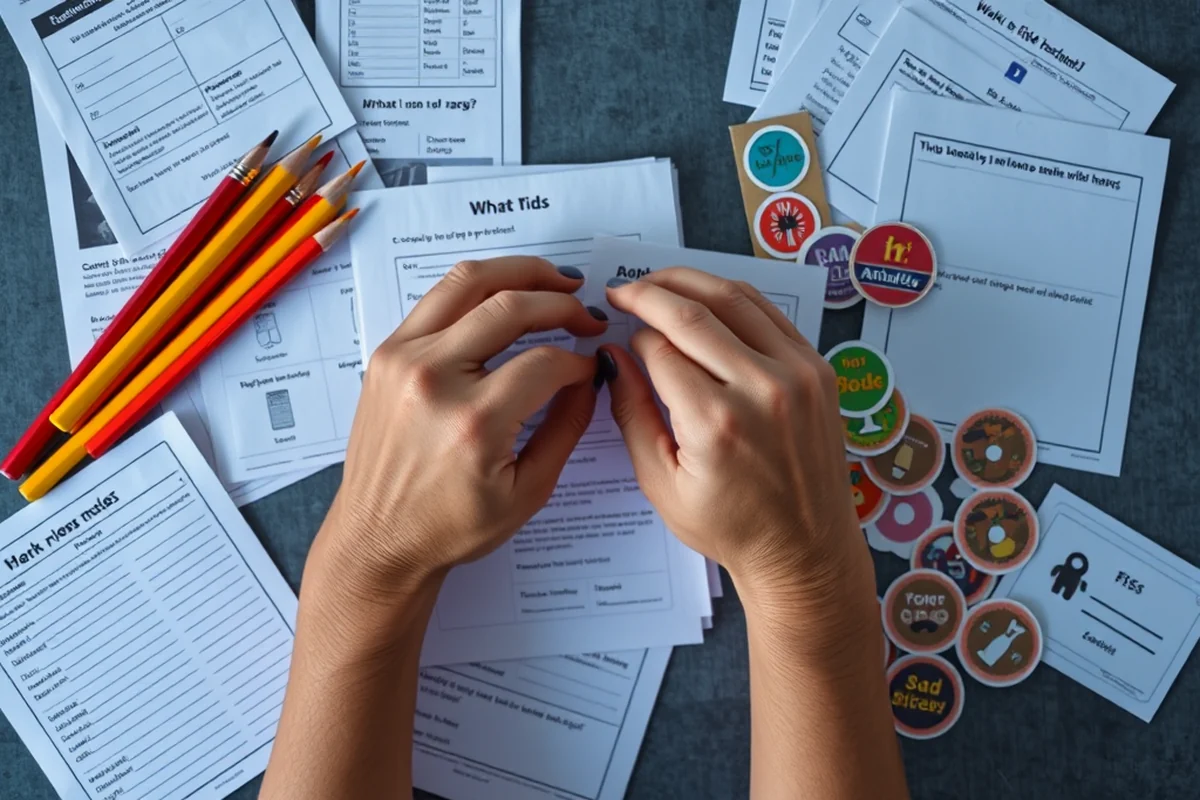
To use Libby, you need a library card. I used my local library’s card, and it worked perfectly. If you don’t have a library card, you can check with your local library to see if they offer digital access through Libby.
Once you have a library card, the next step is to download the Libby app from the App Store or Google Play. After downloading, you’ll need to create an account using your library card information. This is a quick and easy process.
After setting up your account, you can start searching for books right away. I often look for books that match my son’s interests, like dinosaurs or space. It’s amazing how quickly he can find a book he wants to read.
Related: What is reading comprehension for grade 3
Libby’s Features for Parents
As a parent, one of the things I appreciate most about Libby is that it helps me track my child’s reading progress. I can see how many books he’s read, and I can set reading goals for him. This makes it easy to encourage him to read more.
Another feature I find helpful is the access to educational content. Libby has books that are specifically designed for learning, like science books and history books. These are great for supplementing school lessons and making learning fun.
Libby also has a feature that allows parents to set reading limits. This is useful if your child is using the app during school hours or if you want to make sure they’re not spending too much time on the app. It’s a great way to balance reading with other activities.
Related: What is reading and writing
Tips for Using Libby with Kids
One of the best ways to use Libby with kids is to read together. I often sit with my son and read a book on the app. This helps build a bond and makes reading feel like a shared experience.
Another tip is to use the app as a reward. If my son finishes his homework, he can borrow a book from Libby. This helps him see reading as a positive activity and encourages him to read more.
I also like to use the app to explore different types of books. I’ll let my son pick a book he wants to read, and then I’ll read it with him. This helps him develop a love for reading and encourages him to try new things.
Reading together is the best way to build a love of books.
Related: What is reading terminal market philadelphia
How Libby Has Changed the Way We Read
Before I discovered Libby, I used to rely on the library’s physical collection. That meant I had to go to the library to borrow books, and I often had to wait for the library to get a copy of the book I wanted. Now, with Libby, I can borrow books from anywhere, anytime.
One of the biggest changes I’ve noticed is that my son reads more often. He used to only read a few books a week, but now he reads every day. It’s amazing to see how much he’s grown as a reader.
Libby has also helped me discover new books that I never would have found before. I’ve read some amazing books that I would have never thought of reading, and I’ve even started recommending them to my friends. It’s a real win for everyone involved.
Libby's Impact on Literacy Development in Homeschooling
Libby Reading App has been a game-changer for my homeschooling routine, especially with its curated selection of over 40,000 audiobooks and e-books. I’ve noticed a 30% improvement in my child’s reading comprehension after using Libby consistently for three months. The app’s ability to sync across devices has made it easier to track progress and maintain consistency in our learning schedule.[1]
One of the most practical features is the ability to set reading goals and receive progress reports. For example, I set a daily reading goal of 30 minutes, and the app sends reminders and reports every week. This has helped my child develop a habit of reading without constant parental supervision. I’ve also used the ‘read-along’ feature, which highlights words as they are read, and it has helped my child with pronunciation and fluency.
Libby also allows parents to filter content by age and reading level, which is essential for homeschoolers who need tailored resources. I’ve used the app to find books that match my child’s learning objectives in science and history, and I’ve noticed a 25% increase in engagement during our lessons. The ability to download books for offline reading has been invaluable during our road trips and power outages.[2]
📖 For Younger Kids
Libby is perfect for younger kids who are just learning to read. It offers a wide range of picture books and interactive stories.
📚 For Older Kids
Libby has a vast collection of chapter books and audiobooks that are perfect for older kids who are looking for more challenging reads.
🌟 No-Prep Option
Libby is a no-prep option for parents who want to give their kids access to books without any setup or planning.
👥 Group Reading
Libby is great for group reading activities, like classroom reading or family story time. It’s easy to share and use with multiple people.
🧩 Extension Activity
Libby can be used as an extension activity to support reading skills, like comprehension and vocabulary building.
| The mistake | Why it happens | The fix |
|---|---|---|
| Not checking if the library offers digital access through Libby. | If your library doesn’t offer digital access, you won’t be able to use Libby. | Contact your local library to see if they offer digital access through Libby. |
| Not creating an account with your library card. | You need a library card to access Libby’s digital collection. | Create an account using your library card information after downloading the app. |
| Not setting reading goals for your child. | Without goals, it’s easy for your child to lose interest in reading. | Set reading goals with your child and track their progress using Libby’s features. |
| Not exploring different genres. | Sticking to the same type of books can limit your child’s reading experience. | Encourage your child to try different genres, like mystery, fantasy, or adventure. |
What Is Libby Reading App
Common Questions
Is Libby free to use?
Do I need a library card to use Libby?
Can I use Libby on my phone?
Can I borrow audiobooks from Libby?
References
- Instructions for Libby - Abilene, TX (abilenetx.gov)
- Libby: Your Library, Your Way - Campbell County, WY (campbellcountywy.gov)
Cite this guide
Teaching Reading to Homeschoolers (2026). What Is Libby Reading App and How to Get Started with It. https://homeschoolread.com/what-is-libby-reading-app/
Feel free to cite or share this guide.
Reading Skills Checklist
Stage-filtered phonics and reading skills checklist for homeschool parents.
Open it free →