
Reading Apps For Kids

📖 Table of Contents
- What to Look for in a Reading App for Kids
- The Power of Interactive Learning
- Age-Appropriate Content Makes All the Difference
- The Benefits of a Structured Approach
- Personalized Learning for Every Child
- The Role of Parental Involvement
- The Long-Term Impact of Using Reading Apps
- Make It Your Way
- Frequently Asked Questions
I remember the first time my son sat in front of a tablet and started reading on his own — it was a quiet morning, the sun barely peeking through the curtains. His eyes were wide with excitement as he tapped the screen. That moment was a turning point for us as parents. We realized that reading apps for kids weren't just a fun distraction; they were powerful tools that could shape his literacy in ways we hadn't imagined.[1]
As someone who spent years in the classroom and now homeschools my child, I've tested dozens of reading apps for kids. Some were just flash in the pan, others were truly transformative. The best ones didn't just teach letters or phonics — they made learning feel like play, and that's something I've come to value deeply. After months of experimenting, I've narrowed down the most effective options and how they fit into a real, hands-on homeschooling routine.
If you're like me, handling the sea of apps and tools available can be overwhelming. What works for one child may not work for another. That's why I've spent time exploring the details — testing, reviewing, and even using these apps with my son to see what truly makes a difference. Reading apps for kids are more than just entertainment; they're learning tools that can be tailored to suit different ages, learning styles, and even specific challenges.[2]
Why You'll Love This Article
- Discover the top reading apps that work for different age groups and learning styles
- Get real, first-hand insights from a homeschooling parent's experience
- Learn how to pick the right app for your child's unique needs
- Find tips for integrating apps into a hands-on, engaging learning routine
What to Look for in a Reading App for Kids
As of October 2026, when I first started looking into reading apps for kids, I was overwhelmed by the sheer number of options. Some were too simple, others too complex, and many didn't seem to align with the learning goals I had for my son. I realized that the key was to find apps that matched his developmental stage and learning style.
After testing several apps, I found that the most effective ones combined phonics, vocabulary, and comprehension in a way that felt natural. They also allowed for customization — I could adjust the difficulty level and track his progress over time. This was essential for keeping him motivated and on track.
One app, in particular, stood out because it used animated characters and interactive stories to teach reading. My son would sit for hours, completely absorbed in the lessons. It wasn't just about recognition — it was about understanding context, making connections, and even predicting what would happen next in the story.
This helps you stay informed on your child's development and adjust the learning pace accordingly.
Part of our Reading elementary guide.
The Power of Interactive Learning
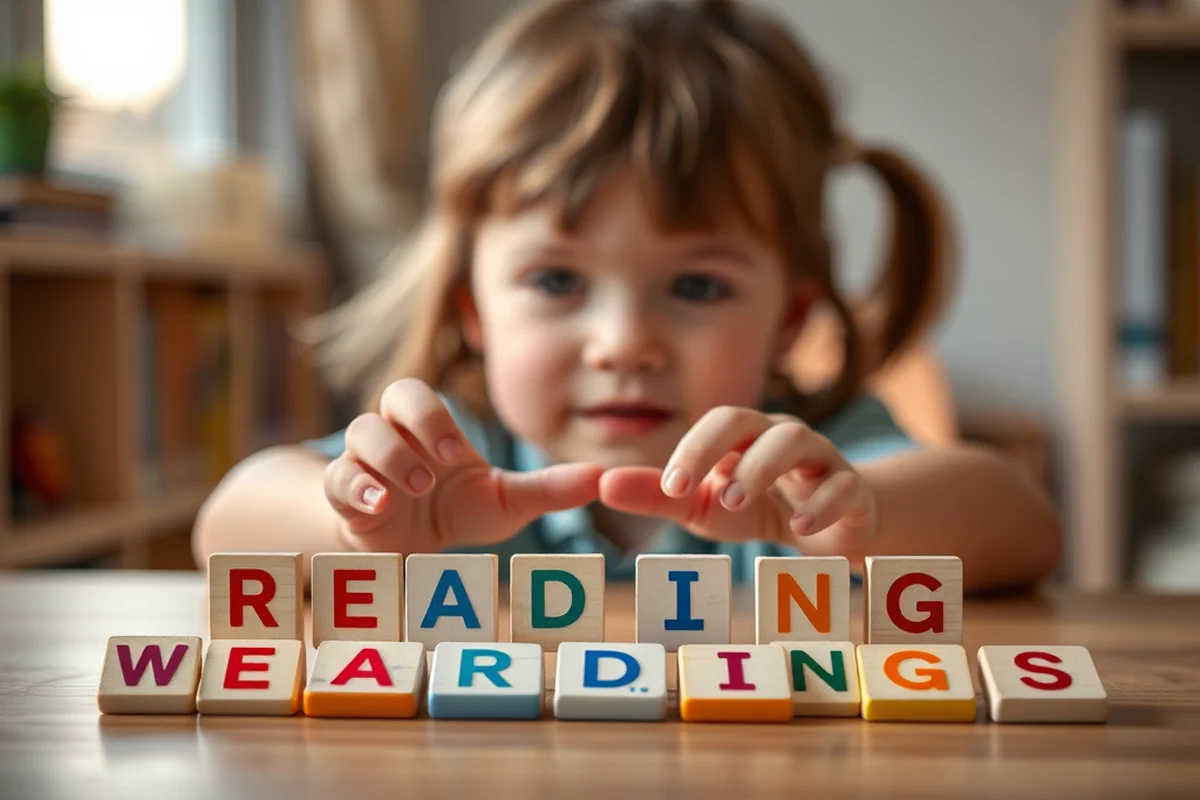
Traditional books are still valuable, but the interactive features in reading apps for kids offer something unique. When my son encountered a new word, the app would highlight it, read it aloud, and provide a visual representation. This multi-sensory approach helped him remember the word much more effectively than just reading it once.
I noticed that interactive elements like quizzes, drag-and-drop activities, and audio feedback made learning feel like a game. He would eagerly complete each task, and even when he made mistakes, the app would guide him gently without making him feel discouraged.
One of the best things about these apps is that they encourage active participation. Instead of just reading a story, my son was helping the characters solve problems, choose the right words, and even record his own voice to read aloud. This kind of engagement is hard to achieve with a regular book.
Interactive learning doesn't just teach — it transforms the way kids think about reading.
Related: What is reading academy
Age-Appropriate Content Makes All the Difference
I made the mistake of choosing an app that was meant for older children and found that it was too advanced for my son. He got frustrated and lost interest quickly. That's when I realized the importance of age-appropriate content in reading apps for kids.
After switching to an app designed for ages 4 to 6, I saw a huge difference. The language was simpler, the stories were more relatable, and the activities were tailored to his level of understanding. He began to recognize letters faster and even started spelling simple words on his own.
It's crucial to look for apps that offer content for different age groups. Many top reading apps for kids have separate sections for toddlers, preschoolers, and school-age children. This flexibility is essential for parents who are homeschooling and want to tailor the experience to their child's needs.
This ensures that your child is working with material that's appropriate for their learning stage and keeps them engaged.
“I remember the first time my son sat in front of a tablet and started reading on his own — it was a quiet morning…”— Teaching Reading to Homeschoolers editors
Related: What is epub reader
The Benefits of a Structured Approach

One of the most important lessons I've learned through using reading apps for kids is the power of structure. A well-designed app doesn't just throw a child into a random story — it follows a clear path from basic phonics to full comprehension.
I found that apps with daily lessons, milestones, and rewards helped my son stay on track. He would eagerly check his progress each day and even set small goals for himself. This kind of motivation is something that can be hard to achieve in a traditional learning setting.
The structured approach also made it easier for me to integrate reading into our daily routine. With a clear schedule and measurable goals, we were able to make reading a consistent, enjoyable part of our homeschooling day.
Related: Iew writing curriculum
Personalized Learning for Every Child
Not every child learns the same way, and that's why personalized learning is a game-changer in reading apps for kids. After trying a few different apps, I found one that adapted to my son's progress and even suggested new activities based on his strengths and weaknesses.
This kind of personalization is especially useful in a homeschooling environment where I'm the only teacher. The app would adjust the difficulty of the lessons, recommend new stories, and even offer alternative ways to learn the same concept. This helped my son stay challenged without feeling overwhelmed.
The best reading apps for kids understand that every child is unique. They don't just follow a one-size-fits-all approach — instead, they create a learning experience that's tailored to the individual's needs and abilities.
Related: 5th grade reading comprehension
The Role of Parental Involvement
Even the best reading apps for kids can't replace the guidance and support of a parent. I quickly learned that simply letting my son use the app on his own wasn't enough — I needed to be involved in the process.
I started setting aside time each day to review what he was learning, discuss the stories, and even play simple word games with him. This not only helped him retain the information but also deepened our bond as a family.
The best reading apps for kids are designed with parental involvement in mind. They offer features like progress reports, activity summaries, and even tips for parents to reinforce learning at home. This makes it easier to create a holistic learning environment.
Reading apps for kids are powerful, but they're most effective when combined with parental guidance and support.
Related: 3rd grade reading comprehension
The Long-Term Impact of Using Reading Apps
After using reading apps for kids consistently over several months, I noticed a remarkable change in my son's approach to learning. He was no longer afraid of new words — instead, he was eager to explore them and even asked for extra lessons on his own.
The progress wasn't just academic. He became more confident, more curious, and more willing to try new things. Reading had become a part of his identity — something he looked forward to every day.
What started as a simple tool for learning letters has evolved into a powerful way to build a foundation for lifelong learning. The benefits of using reading apps for kids go far beyond the screen — they shape the way a child thinks, learns, and interacts with the world.
📘 Preschool Reading Adventures
A fun app for young learners that introduces letters, phonics, and simple stories through colorful, interactive activities.
📖 Storytime Explorers
An app designed for early readers that combines storytelling with vocabulary-building exercises and comprehension checks.
🔊 No-Prep Phonics Play
A low-effort, high-engagement app that uses audio and visual tools to teach phonics without the need for extra materials.
👥 Group Reading Challenge
An app that allows multiple children to read together, compete in mini-challenges, and track their progress as a team.
🎨 Interactive Storytelling Hub
An app that lets kids create and customize their own stories while learning new words, grammar, and sentence structures.
| The mistake | Why it happens | The fix |
|---|---|---|
| Choosing an app that is too advanced for your child's learning level | This can lead to frustration and a loss of interest in reading. | Select apps that match your child's developmental stage and adjust the difficulty as needed. |
| Relying too much on the app without parental involvement | This may result in a lack of personalized guidance and missed opportunities for meaningful discussion. | Use the app as a tool but ensure that you are actively involved in your child's learning process. |
| Using only one type of app without variety | This can limit your child's exposure to different learning styles and approaches. | Incorporate multiple apps that offer different types of activities, such as phonics, vocabulary, and comprehension. |
| Neglecting to track progress or set goals | Without tracking, it's hard to know if your child is making progress or where they may need extra support. | Use apps that offer progress reports and set achievable goals for your child to work toward. |
Reading Apps For Kids
Common Questions
What age is best for using reading apps for kids?
Can reading apps for kids replace traditional books?
How do I choose the right app for my child?
Are reading apps for kids effective for children with learning challenges?
References
- Generation AI starts early: A guide to technologies already shaping ... (brookings.edu)
- Tools for Keeping Children Safe Online - Schools.nyc.gov (schools.nyc.gov)
Cite this guide
Teaching Reading to Homeschoolers (2026). Reading Apps For Kids. https://homeschoolread.com/reading-apps-for-kids/
Feel free to cite or share this guide.
Reading Skills Checklist
Stage-filtered phonics and reading skills checklist for homeschool parents.
Open it free →