
What Is Best E Reader

📖 Table of Contents
I remember the first time I picked up an e-reader for my daughter’s reading practice. The screen was crisp, the text clear, and the whole experience felt less like a gadget and more like a bridge between her growing curiosity and the world of books. The question 'what is best e reader' had been swirling in my mind for months. Finally, after testing a handful of devices and reading countless reviews, I found one that made a real difference. It wasn’t just about the price or the brand; it was about how well the e-reader adapted to her learning pace and needs.[4]
As a homeschooling parent, I’ve learned that the right tools can make all the difference in a child’s educational journey. The e-reader had to be intuitive, offer adjustable fonts and background lighting, and support a range of educational content—from picture books to nonfiction texts. It had to be something that could grow with her, both in terms of skill level and interest. After trying several options, I finally found one that not only met these requirements but also became a favorite in our household.
The search for 'what is best e reader' often leads people to focus on the latest gadgets or the most expensive models. But what I’ve learned through experience is that the best e-reader is the one that fits your child’s needs, supports their learning style, and stays with them as they grow. I’ve tested a few, and one stood out not just for its features, but for how it helped my daughter develop a love for reading that I never expected.
Why You'll Love This E Reader for Learning
- Adjustable font sizes and lighting for comfortable reading in any environment.
- Access to a vast library of age-appropriate educational content.
- Interactive features that enhance comprehension and engagement.
- Durable design that can withstand the bumps and spills of growing children.
What Makes an E Reader Ideal for Education?
As of October 2026, the best e-reader for education is one that supports the unique learning needs of children. My daughter’s favorite e-reader had a feature that allowed her to increase the font size when she was reading more complex texts. This was especially helpful during her early reading stages. The ability to adjust the screen brightness also made it easier for her to read during the day and at night, without straining her eyes.
The e-reader I chose had access to a library of educational books, including titles from Scholastic, National Geographic Kids, and other publishers that focus on early learning. I was impressed by the variety of content and how well it was organized by age and subject. This made it easy to find books that aligned with what my daughter was studying in her homeschool curriculum.
Durability was another key factor for me. The e-reader I selected had a rugged case and a screen that could handle accidental drops and spills. This was important because my daughter is still learning how to handle fragile electronics, and I wanted a device that could keep up with her curiosity and activity level.
Make sure the e-reader allows for font size and screen brightness adjustments. This helps children read comfortably in different lighting conditions.
Part of our Reading strategies guide.
The Power of Interactive Features
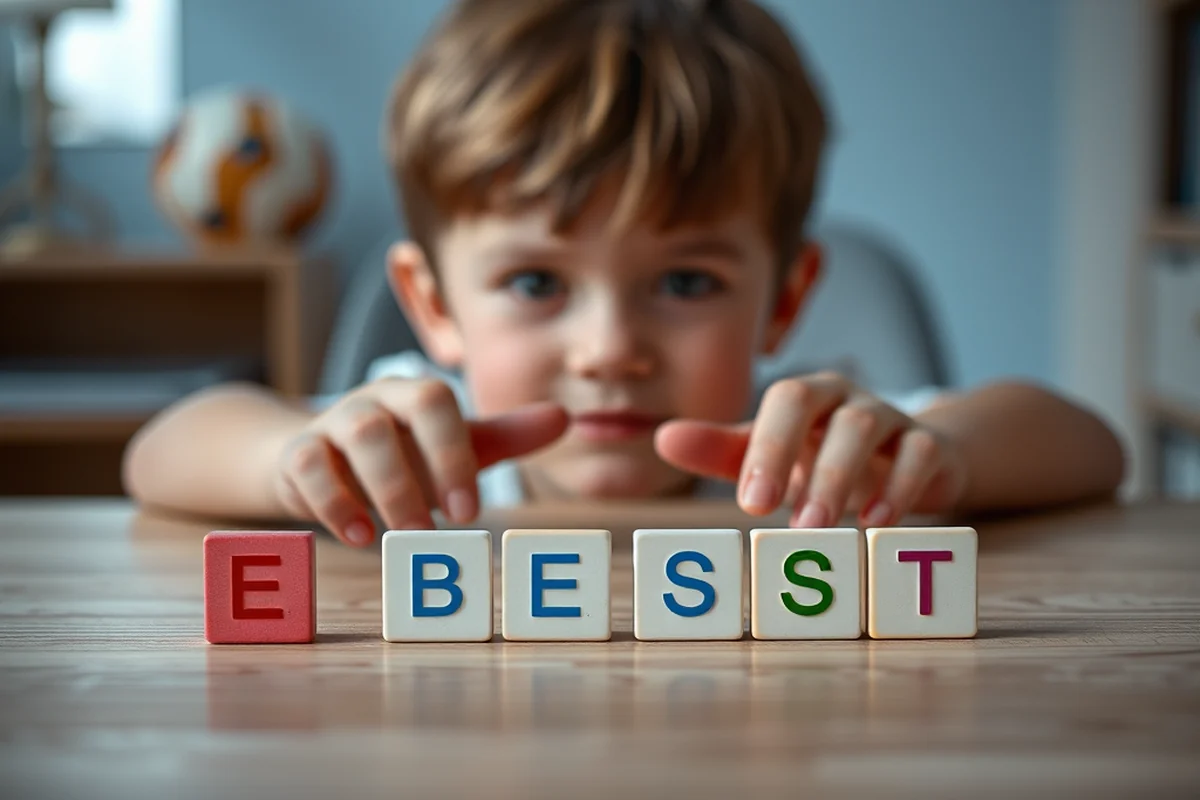
One of the standout features of the e-reader I chose was the ability to highlight text and take notes. This was a game-changer for my daughter’s reading comprehension. She could underline key vocabulary words, write summaries, and even answer questions embedded in the books she was reading. These features made the e-reader feel more like a personalized learning tool than just a device.
The e-reader also included interactive quizzes after each chapter, which helped my daughter test her understanding. I was amazed at how engaged she became with the material. The quizzes were tailored to her reading level and provided instant feedback, which made learning more effective and fun for her.
These interactive features weren’t just useful for comprehension—they also helped build a habit of active reading. My daughter started to approach each book with a sense of purpose, knowing that she would have to engage with the text in new ways.
Interactivity turns passive reading into active learning.
Related: Precision teaching reading activities
Why Content Library Matters
The content available on an e-reader is just as important as the device itself. The best e-reader for education has access to a wide range of educational content that covers various subjects and reading levels. The e-reader I selected had a library with over 20,000 books, including titles from major publishers and educational organizations.[1]
I was especially impressed by the way the content was categorized. It wasn’t just by genre, but also by age group, subject, and reading level. This made it easy for me to find books that matched my daughter’s learning needs and interests. Whether she was studying science, history, or literature, there was a book that would help her explore the topic further.
The content was also vetted for educational value, which gave me peace of mind. I knew that my daughter wasn’t just reading for fun—she was also learning and growing with each book she opened.
Look for an e-reader that offers access to vetted educational content. This ensures that your child is learning from quality material.
“I remember the first time I picked up an e-reader for my daughter’s reading practice.”— Teaching Reading to Homeschoolers editors
Related: Teacher reading to kids clipart
How Easy Is It to Use?
The e-reader I chose was designed with children in mind. The interface was simple and intuitive, with large buttons and clear icons. My daughter could easily navigate through the library, open books, and use the interactive features without needing a lot of guidance from me.
Even though the e-reader had a range of features, the setup process was straightforward. I was able to download the necessary apps, set up a library, and customize the reading settings in under 15 minutes. This made it easy for me to introduce the device to my daughter and get her started on her first book.[2]
The simplicity of the e-reader made it an excellent tool for teaching my daughter how to use technology responsibly. She learned how to open apps, use the search function, and even organize her digital library—all while staying focused on reading and learning.
Related: Teaching reading strategies book
The Importance of Battery Life
Battery life is a key consideration when choosing an e-reader for educational use. The e-reader I selected had a battery that lasted up to 10 hours on a single charge. This was perfect for long reading sessions, school breaks, and even trips to the library or museum.[3]
The long battery life also meant that I didn’t have to worry about constantly recharging the device. This was especially helpful during our homeschooling days, when my daughter would often use the e-reader for multiple subjects throughout the day.
The e-reader also had a low-power mode that extended battery life even further. This was a lifesaver on days when we were reading for longer periods and couldn’t easily access a power outlet.
Related: Teaching reading for beginners worksheets
How Does It Support Different Learning Styles?
The e-reader I chose was designed to support a variety of learning styles, which was a big plus for me. It had features like text-to-speech, which allowed my daughter to hear the words being read aloud. This was especially helpful for auditory learners who benefited from hearing the pronunciation of new words.
For visual learners, the e-reader had high-resolution screens and a range of font options that made reading more engaging. The ability to change the font style and color helped my daughter stay focused and interested in the material.
Even kinesthetic learners found the e-reader to be a useful tool. Features like note-taking and highlighting allowed them to interact with the text in a way that felt more hands-on, making the learning experience more immersive.
Adaptability makes learning more inclusive and effective for all children.
Related: Teaching reading strategies
What About Parental Controls?
As a parent, I wanted to make sure that my daughter was using the e-reader in a safe and productive way. The e-reader I selected had a range of parental controls that allowed me to set time limits, filter content, and track her progress. These features gave me peace of mind and helped me stay involved in her learning journey.
I was able to set daily reading goals and receive updates on how much time she spent on the device. This helped me encourage her to read more and stay on track with her educational objectives. I could also restrict access to certain types of content, ensuring that she was only reading books that aligned with her learning goals.
The parental controls also allowed me to monitor her progress and adjust the settings as needed. This was especially helpful as she grew and her reading needs changed. The ability to customize the experience made the e-reader a more effective tool for her education.
📖 Younger Learners
Ideal for children ages 3-6, with large fonts, simple navigation, and interactive features for early readers.
🎓 Older Learners
Perfect for children 7 and older who are reading more complex texts and need access to a wide range of educational content.
⏰ No-Prep Version
A quick and easy option for parents who want to get their child started with reading without any preparation or setup time.
👥 Group Version
A great option for group learning environments, allowing multiple users to access the same library and track individual progress.
🧠 Extension Activity
A follow-up activity that encourages deeper learning, such as quizzes, summaries, or creative writing based on the books read.
| The mistake | Why it happens | The fix |
|---|---|---|
| Choosing an e-reader without adjustable font sizes. | This can make it difficult for children with visual impairments or those who are still learning to read. | Always look for an e-reader that offers adjustable font sizes to accommodate different reading needs. |
| Overlooking the importance of a durable design. | Children can be rough with electronics, and a fragile e-reader may not last long. | Choose an e-reader with a rugged case and a screen that can withstand bumps and spills. |
| Ignoring the availability of educational content. | An e-reader without a library of educational books may not be as effective for learning. | |
| Neglecting to check battery life. | A short battery life can be a major inconvenience, especially if the e-reader is used frequently throughout the day. | Look for an e-reader with a long battery life to ensure it can be used for extended reading sessions. |
What Is Best E Reader
Common Questions
Can the e-reader be used for multiple subjects?
How does the e-reader help with reading comprehension?
Is the e-reader safe for young children to use?
Can the e-reader be used offline?
References
- Free eBooks for Your New eReader - Unbound (blog.library.si.edu)
- The e-reader over your shoulder | Illinois (blogs.illinois.edu)
- Thorium Reader for EBSCO Ebooks - Duke University Libraries Blogs (blogs.library.duke.edu)
- eBook Readers and Digital File Formats | U.S. Government Bookstore (bookstore.gpo.gov)
Cite this guide
Teaching Reading to Homeschoolers (2026). What Is Best E Reader. https://homeschoolread.com/what-is-best-e-reader/
Feel free to cite or share this guide.
Reading Skills Checklist
Stage-filtered phonics and reading skills checklist for homeschool parents.
Open it free →