
What Is A Kindle Reading App

📖 Table of Contents
- What Exactly Is the Kindle Reading App?
- How the Kindle Reading App Enhances Learning
- Setting Up the Kindle Reading App for Homeschooling
- Using the Kindle Reading App with Different Age Groups
- Tips for Maximizing the Kindle Reading App
- The Benefits of Using the Kindle Reading App
- How the Kindle Reading App Supports Different Learning Styles
- Make It Your Way
- Frequently Asked Questions
I remember the first time I opened the Kindle Reading App on my tablet, and the world of books literally unfolded before my eyes. I was a parent homeschooling my two kids, and I needed something that could keep them engaged for hours without cluttering our home with physical books. The Kindle Reading App was the answer I hadn’t even realized I was looking for. It wasn’t just about convenience; it was about access, flexibility, and the ability to turn a single device into a library.[1]
The Kindle Reading App is more than just a digital book reader. It’s a gateway to a world of educational content, fiction, nonfiction, and everything in between. I downloaded it after a friend recommended it for our homeschooling routine, and it quickly became one of our most used tools. The app allowed us to read together on the same screen, highlight passages, and even annotate texts — features that made learning feel like a shared adventure.[2]
What struck me most about the Kindle Reading App was its ability to cater to different learning styles. My older child could explore complex novels, while my younger one enjoyed interactive picture books with sound effects and animations. The app’s interface was intuitive, and it didn’t require a steep learning curve. I could easily manage our library, set reading goals, and even track progress without any effort. It became the cornerstone of our daily reading routine, and I’m still amazed by how much it’s helped us.[3]
Why You'll Love This Reading Tool
- Access to a vast library of books, including educational materials and fiction.
- Interactive features that enhance learning and engagement.
- The ability to customize your reading experience with notes, highlights, and adjustable fonts.
- Cross-device synchronization so you can read on any device seamlessly.
What Exactly Is the Kindle Reading App?
As of October 2026, if you’ve ever stood in a bookstore overwhelmed by the sheer number of choices, you’ll understand the value of the Kindle Reading App. It’s like carrying an entire library in your pocket, ready to be accessed at any time. The app supports a range of file formats, including Kindle books, PDFs, and even EPUBs, making it a versatile tool for both students and educators.
One of the first things I noticed about the Kindle Reading App was its ability to sync your reading across devices. I could start a book on my phone during a commute and pick up right where I left off on my tablet at home. This feature alone has saved us hours of time and frustration, especially when we need to switch devices frequently.
The app also has built-in features that make it ideal for homeschooling. For example, you can adjust the font size, change the background color, and even add notes and highlights. These small touches make a big difference with comprehension and retention, especially for younger learners.
Before committing to a purchase, take advantage of the free trial for Amazon Prime. It gives you access to a wide range of books and allows you to explore the app’s features without any risk.
Part of our Reading strategies guide.
How the Kindle Reading App Enhances Learning
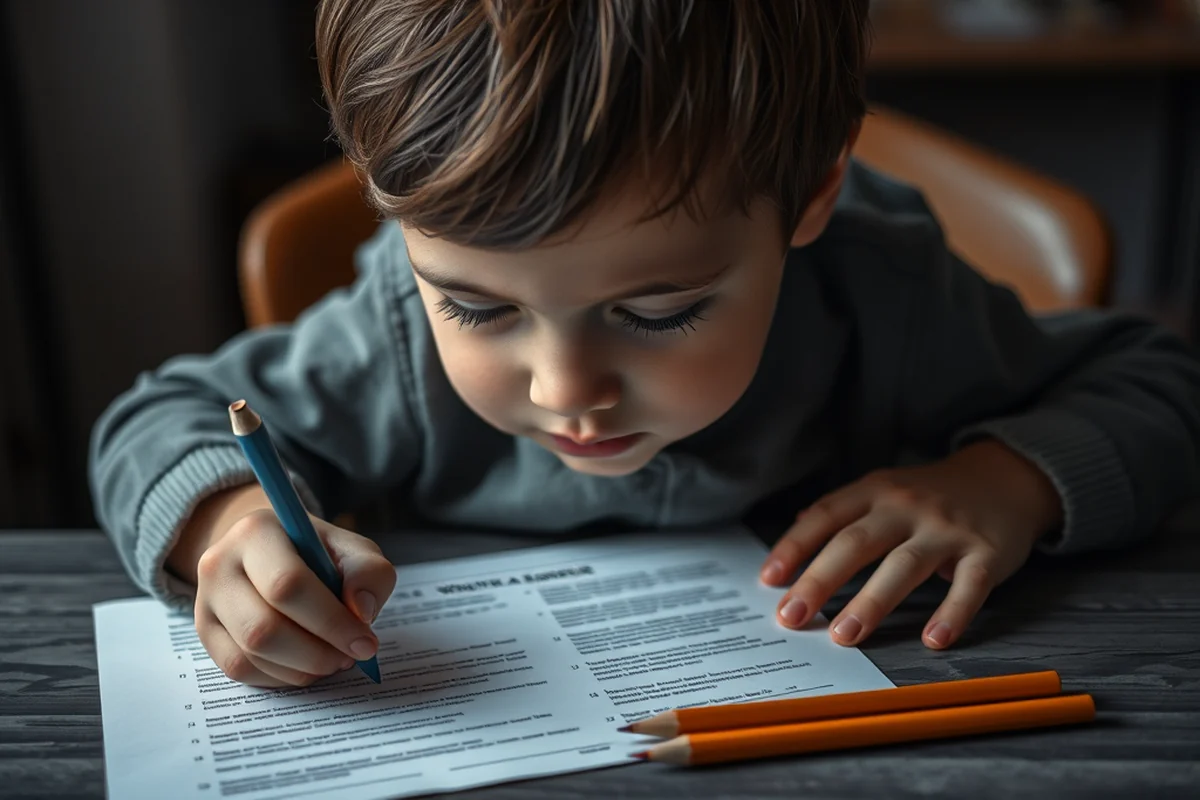
One of the most surprising things about the Kindle Reading App was how much it could adapt to different learning needs. My older child, who was struggling with reading comprehension, found that highlighting and taking notes helped him focus on key concepts. My younger child, who is a visual learner, benefited from the app’s ability to display images and animations within certain books.
I also appreciated how the app encouraged a love for reading. With access to a wide range of genres, my children could explore books that interested them, from science fiction to historical biographies. This variety made reading feel less like a chore and more like an adventure.
The app’s interactive features, such as the ability to look up definitions and even listen to audiobooks, made it a valuable tool for both learning and entertainment. It wasn’t just about reading — it was about making the experience enjoyable and engaging.
Reading is no longer a passive activity — it’s an experience.
Related: What is reading passage
Setting Up the Kindle Reading App for Homeschooling
The setup process for the Kindle Reading App was straightforward, even for someone who isn’t tech-savvy. After downloading the app from the Amazon App Store, I simply created an account and linked it to our Amazon Prime membership. Once that was done, I could start browsing the library and adding books to our collection.
One of the first things I did was set up reading goals for each of my children. The app allows you to track how many pages or books each child reads, which is a great way to keep them motivated. I also set up reminders to encourage them to read daily, which helped establish a consistent routine.
Another feature I found useful was the ability to create shared reading lists. This allowed us to read the same book together on the same screen, which made it easier to discuss the content and answer questions as we went along. It was a game-changer for our homeschooling experience.
Use the app’s shared reading feature to read with your child or even with a group of homeschoolers. It’s a great way to foster discussion and collaboration.
“I remember the first time I opened the Kindle Reading App on my tablet, and the world of books literally unfolded before my eyes.”— Teaching Reading to Homeschoolers editors
Related: What is kindle first reads
Using the Kindle Reading App with Different Age Groups
I’ve used the Kindle Reading App with children as young as three and as old as twelve, and it has worked well for each of them. For younger children, the app offers interactive picture books with sound effects and animations that make reading more engaging. These books are designed with bright colors and simple language, making them perfect for early readers.
For older children, the app provides access to more complex texts, including textbooks, novels, and even academic papers. The ability to adjust the font size and background color was especially helpful for my older child, who struggled with dyslexia. These features helped him read more comfortably and with fewer distractions.
The app also has a built-in dictionary that allows users to look up definitions of unfamiliar words. This feature was a lifesaver for my younger child, who often got stuck on difficult vocabulary. It helped her build confidence and independence as a reader.
Related: What to do in a tarot reading
Tips for Maximizing the Kindle Reading App
One of the best tips I can offer is to organize your library by subject and age group. This makes it easier to find the right book for the right child at the right time. I created separate folders for science, history, fiction, and nonfiction, which helped keep things tidy and manageable.
Another tip is to use the app’s search feature to find books based on keywords. This was especially useful when looking for books on specific topics, such as ancient civilizations or space exploration. The search function allowed me to quickly locate books that aligned with our homeschooling curriculum.
I also recommend setting up reading schedules and using the app’s reminder feature to encourage daily reading. This helps build a habit and ensures that reading remains a priority in our homeschooling routine.
Related: How to teach your monster to read
The Benefits of Using the Kindle Reading App
One of the biggest benefits of the Kindle Reading App is the sheer volume of books available. With access to millions of titles, my children could explore a wide range of subjects and interests. This variety made learning more enjoyable and helped them develop a lifelong love for reading.
The app’s ability to sync across devices was another major benefit. I could start a book on my phone and finish it on my tablet or laptop, which was especially useful when we were on the go. This flexibility made it easier to incorporate reading into our daily routine.
I also appreciated how the app allowed us to track progress and set reading goals. This feature helped my children stay motivated and gave them a sense of accomplishment as they completed books and reached milestones.
With the Kindle Reading App, learning is never limited by the walls of a classroom.
Related: What is reading manga
How the Kindle Reading App Supports Different Learning Styles
I’ve found that the Kindle Reading App is especially helpful for children with diverse learning needs. For visual learners, the app’s ability to display images and animations within certain books was a game-changer. These features made abstract concepts easier to understand and more engaging.
For auditory learners, the app’s audiobook feature allowed my children to listen to stories while following along with the text. This helped reinforce comprehension and made reading more accessible for children with learning disabilities.
The app’s built-in dictionary and note-taking features also supported kinesthetic learners. These tools allowed my children to interact with the text in a way that suited their learning style, making the experience more personalized and effective.
📚 Younger Kids Reading Fun
Perfect for preschoolers and early readers, this variation includes interactive picture books with animations and sound effects.
🧠 Older Kids Learning Deep
Ideal for middle and high school students, this variation offers access to advanced texts, textbooks, and nonfiction resources.
✨ No-Prep Reading
This variation is perfect for parents who want to start reading immediately without any setup or preparation.
👥 Group Reading
Great for homeschool co-ops and group settings, this variation allows multiple users to read and discuss the same book simultaneously.
🚀 Reading for Extension
This variation includes books and resources that go beyond the standard curriculum, offering a deeper dive into specific subjects.
| The mistake | Why it happens | The fix |
|---|---|---|
| Not using the app’s customization features. | Many users fail to take advantage of the app’s customizable settings, such as font size and background color, which can improve readability and comprehension. | Take time to explore the app’s settings and adjust them to suit your child’s needs. This can make a big difference in their learning experience. |
| Skipping the free trial. | By skipping the free trial, you might miss out on the opportunity to explore the app’s features before committing to a purchase. | Always take advantage of the free trial period to test the app and see if it works for your family. |
| Not organizing the library. | A disorganized library can make it difficult to find the right book at the right time, which can lead to frustration and disengagement. | Organize your library by subject and age group to make it easier to find books and track progress. |
| Ignoring the app’s search function. | The app’s search function is a powerful tool that allows users to find books based on keywords and subjects. Ignoring it can limit the variety of books available. | Use the app’s search function to find books that align with your child’s interests and learning goals. |
| Not setting up reading goals. | Without reading goals, it can be difficult to motivate your child and track their progress over time. | Set up reading goals and use the app’s tracking features to encourage daily reading and measure progress. |
What Is A Kindle Reading App
Common Questions
Can I use the Kindle Reading App on multiple devices?
Is there a free version of the Kindle Reading App?
Can I highlight and take notes in the app?
Are there books suitable for younger children?
References
Cite this guide
Teaching Reading to Homeschoolers (2026). What Is A Kindle Reading App. https://homeschoolread.com/what-is-a-kindle-reading-app/
Feel free to cite or share this guide.
Reading Skills Checklist
Stage-filtered phonics and reading skills checklist for homeschool parents.
Open it free →