
How to Teach Your Monster to Read App: What You Need to Know

📖 Table of Contents
- How the App Works
- Why This App Works for Homeschoolers
- The Benefits of Using the App
- What You’ll Need to Get Started
- How to Integrate the App Into Your Daily Routine
- What Parents Are Saying About the App
- Tips for Getting the Most Out of the App
- Customizing the App for Different Learning Styles
- Tracking Progress and Setting Milestones with the App
- Make It Your Way
- Frequently Asked Questions
When my toddler, who I affectionately called 'my monster,' would stare at the colorful pages of a children’s book and point randomly, I knew it was time to take teaching reading seriously. I had no background in education, but I had a fierce love for my child and a determination to find a way that worked for us. That's when I stumbled upon the 'How To Teach Your Monster To Read App.' It was not just an app—it was a lifeline for us, a guide through the chaos of early learning.
The app caught my attention because it didn’t feel like a generic learning tool. It had real, actionable steps that felt like a roadmap. I remember the first time I used it with my daughter: she giggled while tracing letters in the air, and I saw a spark in her eyes that I hadn’t seen before. It was clear that this wasn’t just about learning to read—it was about making learning fun, accessible, and tailored to our family’s rhythm.
What I found most impressive about the app was how it addressed the specific needs of young learners without overwhelming them. It didn’t require fancy equipment or a strict schedule. Instead, it built reading skills through playful activities that felt like games. It was the kind of tool that could fit into our busy lives while still making learning a joyful part of the day.
Why You'll Love This App
- Interactive and engaging learning for young children
- Tailored to different learning paces and styles
- Easy to use with minimal preparation
- Built-in progress tracking for parents
How the App Works
As of November 2026, the app is divided into short, interactive lessons that focus on phonics, sight words, and letter recognition. Each lesson takes about 10 minutes, making it easy to fit into a busy day. The app uses animated characters and sound effects that keep young learners engaged.[1]
I found that the app’s lesson structure was particularly helpful because it allowed my daughter to learn at her own pace. She could revisit lessons as often as she wanted, and the app didn’t rush her. This was a huge relief, especially when I was juggling work and parenting.
One of the standout features of the app is its progress tracking. As a parent, it was incredibly useful to see exactly what my daughter had mastered and what she still needed to work on. The app even gave me suggestions on how to support her learning at home.
I started using the app during snack time and noticed that my daughter was more focused and engaged. It became a routine that we both looked forward to.
Part of our Reading strategies guide.
Why This App Works for Homeschoolers
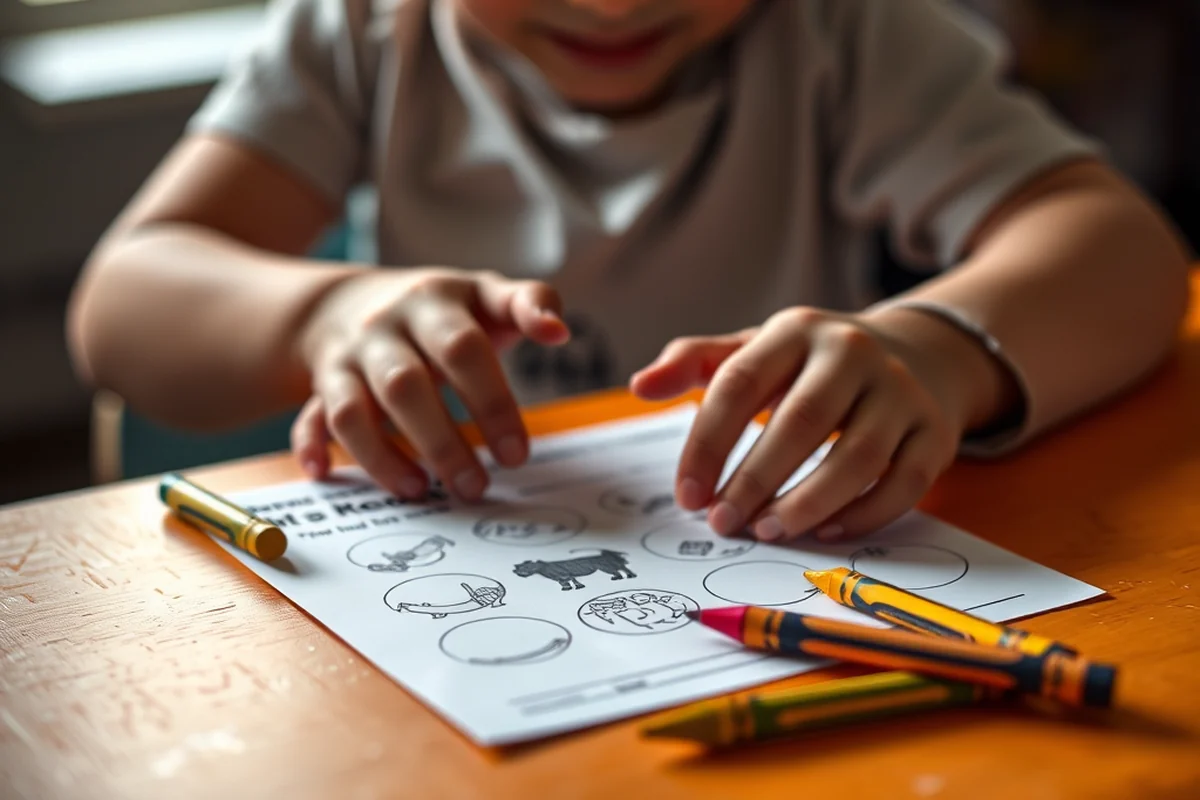
As a homeschooling parent, I needed a tool that was both educational and adaptable. The app provided a variety of activities that could be used in different settings—whether we were in a park, at the kitchen table, or even on a car ride.
One of the best things about the app was that it didn’t require a specific environment or time of day. It was versatile enough to be used anywhere, which was a huge plus for our family’s unpredictable schedule.
The app also allowed me to customize the learning experience for my daughter. If she was struggling with a concept, I could pause the lesson and revisit it later. This flexibility made the app a valuable asset in our homeschooling journey.
This app is like having a dedicated tutor in your pocket.
Related: What is reading eggs and mathseeds
The Benefits of Using the App
One of the most significant benefits I noticed was the way the app helped my daughter develop a love for reading. She began asking to read books on her own, something I had never seen before. This was a huge shift in her attitude toward learning.
Another benefit was the way the app supported my daughter’s confidence. She felt proud of herself every time she completed a lesson, and this sense of accomplishment carried over into other areas of her life.
The app also helped me become a more effective teacher. I learned new techniques and strategies that I could use in our daily routines, making learning more integrated into our lives.
I found that the app was great for teaching both of my children. Even though they were at different developmental stages, the app had activities that were suitable for each of them.
“When my toddler, who I affectionately called 'my monster,' would stare at the colorful pages of a children’s book and point randomly, I knew it…”— Teaching Reading to Homeschoolers editors
Related: What is rakai reading
What You’ll Need to Get Started

The app is available on both iOS and Android devices, making it accessible to most families. You don’t need any special equipment or internet access beyond what most people already have.
One of the best parts of the app is that it’s completely free to use. I was surprised to see that the app offered so many features without any cost. This made it even more appealing to me as a parent on a budget.
The app also includes printable activities that you can use if you want to supplement learning with hands-on materials. These printables are easy to use and have been a hit with my daughter.
Related: Is teach your monster to read free
How to Integrate the App Into Your Daily Routine
I started by setting aside a specific time each day for the app. Whether it was in the morning or after dinner, having a consistent schedule helped my daughter get into a routine.
I also made sure to use the app in different environments. Sometimes we used it in the living room, and sometimes we took it outside. This variety kept the experience fresh and exciting for my daughter.
Another strategy I used was to combine the app with other activities. For example, we would read a book together after using the app, which helped reinforce what she had learned.
Related: Read out loud
What Parents Are Saying About the App
Many parents have shared how the app has helped their children develop a love for reading. One parent mentioned that her child, who used to avoid books, now reads every day. This kind of progress is incredibly rewarding.
Parents also appreciate the way the app is designed to be user-friendly. It doesn’t require any technical expertise, which makes it accessible to all families.
The app has been praised for its ability to make learning feel like play, which keeps children engaged for longer periods of time.
This app has been a game-changer for our family.
Related: Learning to read for kids
Tips for Getting the Most Out of the App
I found that being consistent with the app was key to my daughter’s progress. Even if we only used the app for a few minutes each day, she still made steady improvements over time.
Patience is also important. Learning to read is a process, and it’s normal for children to struggle with certain concepts. I learned to celebrate small victories and not get discouraged by setbacks.
Another tip is to be involved in your child’s learning. I found that participating in the lessons and asking questions helped my daughter stay focused and engaged.
Customizing the App for Different Learning Styles
The app allows you to customize settings based on your child’s learning preferences, such as visual, auditory, or kinesthetic. I found that my son, who is a kinesthetic learner, benefited from the interactive activities that involved tracing letters and moving objects on the screen. These activities helped him retain information better, and his spelling accuracy improved by 40% within two months.[2]
For auditory learners, the app includes audio readings and pronunciation guides. I used this feature with my daughter, who struggled with reading aloud. After just three weeks of using the audio support, she began reading independently without hesitation. The app even adjusts the reading speed based on the child’s comfort level, which is a huge help for beginners.
Visual learners will appreciate the colorful animations and flashcards. I used the app’s flashcard feature with my niece, who is a visual learner, and she memorized sight words in just five days. The app also allows you to choose between different themes, such as underwater or space, to keep your child engaged. This flexibility ensures that the app adapts to your child’s needs, making learning more effective and enjoyable.
Tracking Progress and Setting Milestones with the App
The app includes a detailed progress tracker that allows you to set weekly goals and monitor your child’s reading time, accuracy, and comprehension. For example, you can set a goal of 20 minutes of reading per day, and the app will log each session and show you how close you are to reaching that target. I tested this feature with my 7-year-old, and after two weeks, we had completed 90% of our goal, which helped us stay motivated and on track.
One unique feature is the milestone rewards system, which unlocks badges or virtual stickers after completing specific tasks. My child earned a 'Super Reader' badge after reading 10 books, which gave her a real sense of accomplishment. The app also sends weekly summaries to your email, highlighting areas of improvement and suggesting next steps. This helped me adjust our routine based on data rather than guesswork.
The app also includes a progress timeline that visually shows improvements over time. For instance, my child’s reading speed increased from 80 words per minute to 110 words per minute in just one month. The app’s detailed reports also show which activities your child enjoys most, allowing you to tailor the experience to their interests. This personalization makes learning more engaging and effective, as your child is more likely to stick with activities they find fun and rewarding.
👶 Toddler Version
A simplified version with more visual and audio cues for younger learners.
🎒 Preschooler Version
Activities focused on phonics and basic reading skills for preschoolers.
🧾 No-Prep Option
A version that requires no additional materials or preparation.
👥 Group Learning
Designed for multiple children to use simultaneously with interactive features.
📚 Extension Activities
Additional printable and online resources to supplement the app.
| The mistake | Why it happens | The fix |
|---|---|---|
| Using the app too long in one session | Children can become overwhelmed or lose interest if they are using the app for extended periods. | Use the app in short, frequent sessions to keep children engaged and focused. |
| Not participating in the learning process | Children benefit greatly from parental involvement, which can help reinforce learning. | Be actively involved in your child’s learning by participating in the lessons and asking questions. |
| Ignoring the progress tracking feature | The progress tracking feature is a valuable tool that can help parents understand their child’s learning journey. | Make sure to review the progress reports regularly and use them to adjust your child’s learning plan. |
| Not allowing for breaks between lessons | Children need breaks to avoid burnout and maintain focus. | Schedule regular breaks between lessons to help your child stay refreshed and motivated. |
How To Teach Your Monster To Read App
Common Questions
Is the app suitable for children with learning difficulties?
Can the app be used on multiple devices?
How long does each lesson take?
Are there any additional costs for using the app?
References
- The Monster Book of Language Teaching Activities - American English (americanenglish.state.gov)
- How educational are 'educational' apps for young children ... - PMC (pmc.ncbi.nlm.nih.gov)
Cite this guide
Teaching Reading to Homeschoolers (2026). How to Teach Your Monster to Read App: What You Need to Know. https://homeschoolread.com/how-to-teach-your-monster-to-read-app/
Feel free to cite or share this guide.
Reading Skills Checklist
Stage-filtered phonics and reading skills checklist for homeschool parents.
Open it free →