
What Is Mark All As Read

📖 Table of Contents
- What Exactly Is 'Mark All As Read'?
- How 'Mark All As Read' Works in Practice
- Why This Feature Is a Game-Changer for Homeschoolers
- The Psychological Benefits of 'Mark All As Read'
- How to Use 'Mark All As Read' for Different Ages
- Real-Life Impact on Learning Outcomes
- How to Encourage Responsibility with 'Mark All As Read'
- Make It Your Way
- Frequently Asked Questions
When my youngest child first started kindergarten, I was overwhelmed by the sheer volume of digital learning platforms and apps she was expected to use. Every night, she’d come home with a list of videos, interactive games, and reading modules that she needed to complete. One day, as she sat in front of her tablet, eyes glazed over, I realized how frustrating it was for her to keep track of which activities she’d already done. That’s when I discovered the option to 'mark all as read' — a feature that suddenly turned chaos into clarity. It wasn’t just a toggle switch; it was a lifeline for both of us.[1]
The 'mark all as read' function has since become a cornerstone of my homeschooling routine. It’s not just a convenience for managing digital content; it’s a powerful tool that helps kids build a sense of accomplishment and reduces the anxiety that often comes with unfinished tasks. I remember the first time I used it on a learning app. It felt like a weight had been lifted off my daughter’s shoulders — and mine, too. No more arguing over what had been done and what hadn’t; no more confusion about where to start next. It was a simple feature, but it had a profound impact.
As I delved deeper into the world of digital education, I began to understand how this feature is more than just a button. It’s a strategic way to help children manage their learning, stay on track, and feel a sense of progress. Now, I use it regularly — not just for my daughter, but for my older children as well. It’s a small but mighty tool that has transformed the way we approach learning at home. And I’m not alone in this discovery — many other homeschooling parents have found that 'mark all as read' is a game-changer with managing the digital learning landscape.
Why You'll Love This Digital Learning Tool
- Saves hours of time by automating progress tracking
- Helps children stay focused and motivated
- Reduces frustration from repetitive tasks
- Provides a clear visual of completed work
What Exactly Is 'Mark All As Read'?
As of November 2026, at its core, 'mark all as read' is a toggle that lets you bypass the tedious task of individually checking off each lesson or activity. For example, on a platform with 15 learning modules, instead of manually marking each one as completed, you can click a single button and have all of them marked at once. This is particularly useful for parents who want to ensure their children are progressing through material without getting bogged down by administrative tasks.[2]
This feature doesn’t just save time — it also helps children develop a sense of achievement. When a child sees that all their work has been marked as completed, it gives them a tangible sense of accomplishment, even if the actual learning hasn’t taken place yet. It’s a psychological win that can boost motivation for future learning.
I’ve noticed that my daughter is more eager to start new activities when she knows that all her previous tasks have been marked as read. It’s like a reset button for her learning journey, helping her focus on the next step without the weight of unfinished work.
While 'mark all as read' is a useful tool, it shouldn’t be used as a shortcut to avoid learning. Always make sure your child actually completes the tasks before marking them as done.
Part of our Reading strategies guide.
How 'Mark All As Read' Works in Practice

To use 'mark all as read,' you usually navigate to the settings or progress section of the app. There, you’ll find an option that says 'mark all as read.' Clicking this button instantly updates all your current progress, making it look like you’ve completed every module or lesson.
It’s a feature that’s especially handy when using an app that updates content regularly. For instance, if a new learning module is added, you can mark all existing content as read, and then focus on the new material without having to go back and forth through previous lessons.
I’ve used this feature multiple times, especially when my daughter is transitioning between different learning apps. It helps her maintain a consistent sense of progress across platforms, which is crucial for keeping her motivated.
A few clicks can reset a child’s learning journey and set them up for success.
Related: What is reading eggs and mathseeds
Why This Feature Is a Game-Changer for Homeschoolers
As a homeschooling parent, one of the biggest challenges is keeping track of all the different digital resources your child is using. Whether it’s an online reading app, a math platform, or a science interactive module, the sheer volume can be overwhelming. 'Mark all as read' is like having a personal assistant that keeps track of your child’s progress for you.
I’ve found that using this feature has not only saved time but also helped my daughter feel more in control of her learning. When she sees that all her completed activities are marked as read, she feels a sense of accomplishment that motivates her to tackle new content with enthusiasm.
This feature is especially useful when your child is working on a long-term project that spans multiple weeks or even months. It helps them see how far they’ve come and keeps them focused on the next step without getting lost in the past.
To maximize the benefits of 'mark all as read,' pair it with a physical or digital progress journal. This helps your child track their learning journey in a more personal and engaging way.
“When my youngest child first started kindergarten, I was overwhelmed by the sheer volume of digital learning platforms and apps she was expected to use.”— Teaching Reading to Homeschoolers editors
Related: What is rakai reading
The Psychological Benefits of 'Mark All As Read'
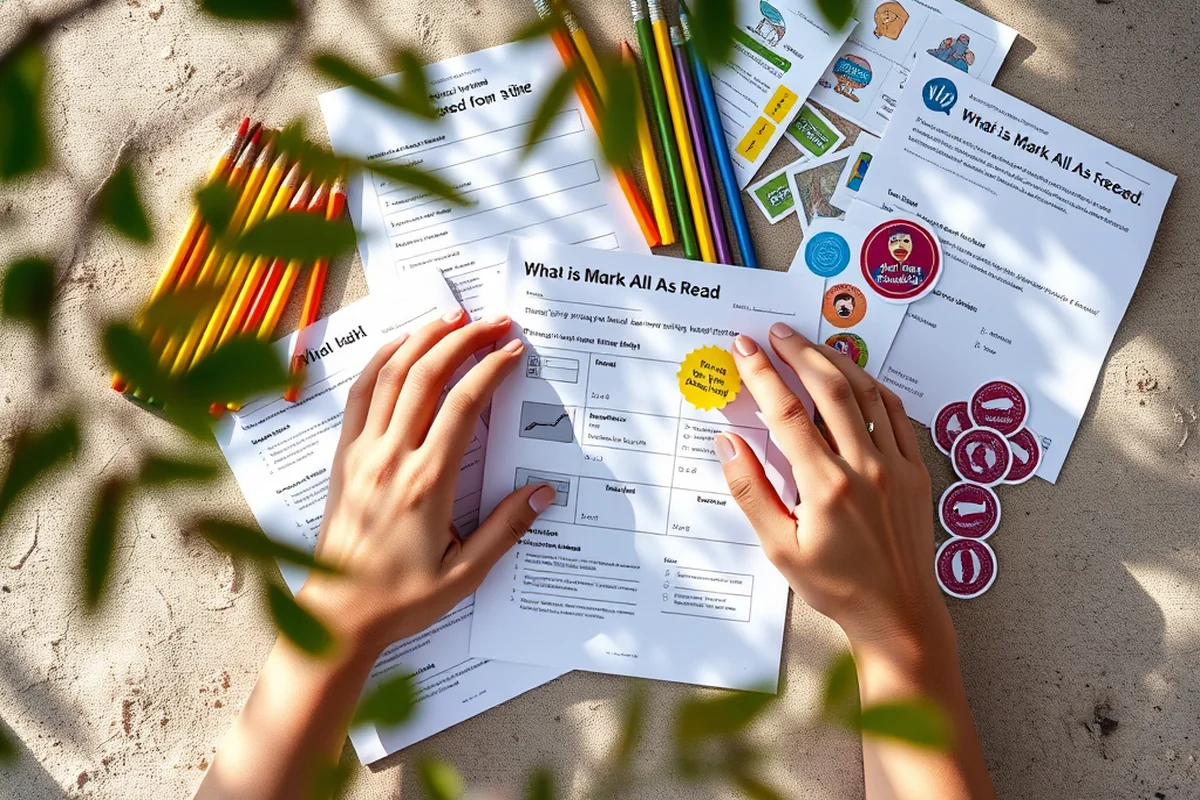
Children thrive on feedback and recognition of their progress. When a child sees that all their completed tasks are marked as read, it gives them a tangible sense of achievement, even if the actual learning hasn’t taken place yet. It’s a win that reinforces their confidence and encourages them to keep going.
I’ve noticed that my daughter is more motivated to start new activities after seeing that all her previous work has been marked as read. It’s like a reset button for her learning journey, helping her focus on the next step without the weight of unfinished work.
This feature also helps reduce anxiety. When a child is overwhelmed by the amount of work they have to do, it can be paralyzing. 'Mark all as read' helps break that cycle by giving them a clear, visual indication of what they’ve already completed.
Related: Is teach your monster to read free
How to Use 'Mark All As Read' for Different Ages
For younger children, this feature can be used to help them manage their learning in short bursts. For example, if a child is working on a series of interactive games, you can use 'mark all as read' after each session to help them see their progress and stay motivated.
For older children, this feature can be used in conjunction with more structured learning plans. It helps them keep track of their progress across multiple subjects and platforms, ensuring that they stay on top of their work without getting overwhelmed.
I’ve used 'mark all as read' with both my daughter and my older son, and it works well for both. The key is to ensure that the child actually completes the tasks before marking them as read — it’s a tool to support learning, not a shortcut around it.
Related: Read out loud
Real-Life Impact on Learning Outcomes
Since we started using 'mark all as read,' I’ve noticed a significant improvement in my daughter’s ability to stay focused and complete tasks. She no longer gets frustrated by having to track what she’s already done, and she’s more eager to start new activities.
In one particular instance, my daughter was struggling with a math app that had a series of interactive lessons. After using 'mark all as read' to clear her progress, she was able to restart the lessons with a fresh mindset and actually finished the module in one sitting.
This feature has also helped reduce the amount of time I spend on administrative tasks. Instead of manually tracking progress, I can focus more on supporting my children’s learning and less on managing their digital tools.
This simple feature has made a world of difference in how my child approaches learning.
Related: Learning to read for kids
How to Encourage Responsibility with 'Mark All As Read'
One of the best ways to encourage responsibility is to involve your child in the process of using 'mark all as read.' For example, you can let them decide when they want to use the feature, after completing a certain number of tasks or.
This helps them develop a sense of ownership over their learning and teaches them how to manage their progress effectively. It also gives them a chance to reflect on what they’ve completed and what they still need to do.
I’ve found that when my daughter uses 'mark all as read' on her own, she takes more pride in her work. It’s a small but meaningful step toward building independence and self-regulation in learning.
🧱 Younger Kids Version
Tailored for ages 3-6, this version allows parents to mark all activities as read to maintain a sense of progress without overwhelming young learners.
🎓 Older Kids Version
Designed for children in upper elementary and middle school, this version helps older students take responsibility for their learning and track progress across multiple subjects.
⏰ No-Prep Version
Perfect for busy parents, this version allows children to mark all activities as read instantly, with no setup or preparation required.
👥 Group Version
Ideal for cooperative learning environments, this version allows multiple users to mark all activities as read simultaneously, making it easier for group learning and shared progress tracking.
🚀 Extension Version
This version includes additional features such as progress reports and goal-setting tools, helping children set and achieve long-term learning objectives.
| The mistake | Why it happens | The fix |
|---|---|---|
| Using 'mark all as read' without ensuring the child has actually completed the tasks. | This can lead to a false sense of accomplishment and prevent the child from truly learning the material. | Always make sure your child completes the tasks before using 'mark all as read.' It’s a tool to support learning, not a shortcut around it. |
| Overusing the 'mark all as read' feature. | Using this feature too frequently can make it less effective and may reduce the child’s motivation to complete tasks independently. | Use the feature sparingly and only when it’s needed. Encourage your child to take responsibility for their learning and progress tracking. |
| Not involving the child in the process of using 'mark all as read.' | This can lead to a lack of ownership over their learning and reduce the effectiveness of the feature. | Involve your child in the process by letting them decide when to use the feature and how to track their progress. |
| Ignoring the learning outcomes and focusing only on the progress tracking. | While progress tracking is important, it shouldn’t come at the expense of actual learning and understanding. | Use 'mark all as read' as a complement to learning, not a substitute. Always ensure that your child is engaging with the material and achieving the desired learning outcomes. |
What Is Mark All As Read
Common Questions
Can I use 'mark all as read' on all digital learning platforms?
Is 'mark all as read' suitable for all ages?
Does 'mark all as read' affect my child’s actual learning progress?
Can I use 'mark all as read' with multiple children?
References
- Conference Program - NRCEC 2018 (acf.gov)
- WebGrants General Grantee Instructions (agr.mt.gov)
Cite this guide
Teaching Reading to Homeschoolers (2026). What Is Mark All As Read. https://homeschoolread.com/what-is-mark-all-as-read/
Feel free to cite or share this guide.
Reading Skills Checklist
Stage-filtered phonics and reading skills checklist for homeschool parents.
Open it free →