
Memory Card Readers

📖 Table of Contents
- What Are Memory Card Readers and How Do They Work?
- How Memory Card Readers Enhance Learning at Home
- Encouraging Creativity with Memory Card Readers
- Connecting the Classroom and Home with Memory Card Readers
- Teaching Digital Literacy with Memory Card Readers
- How Memory Card Readers Support Collaborative Learning
- The Role of Memory Card Readers in Backing Up Digital Work
- Fostering Independent Learning Through Memory Card Readers
- Make It Your Way
- Frequently Asked Questions
When my daughter first brought home a memory card from her school's digital photo project, I was stunned by how quickly she was able to transfer the images onto our family computer. It wasn't just the convenience of memory card readers that caught me off guard—it was how seamlessly they connected the classroom with our home, making learning feel like play. As a homeschooling parent, I've learned that memory card readers are not just tools for transferring files; they are gateways to creativity, exploration, and connection. They help kids understand how technology is part of everyday learning, and how it can preserve their work, stories, and even their growing-up moments.
I remember the first time I used a memory card reader with my son while working on a science project about weather. He was excited when we plugged in the card, and even more so when he saw the data he had collected on the screen. It was a small moment, but it showed me how these devices can turn abstract concepts into tangible experiences. Memory card readers bring a sense of accomplishment to kids as they see their work come to life, and they also foster independence in managing digital content. It’s not just about the transfer of files—it’s about the empowerment of learning in a digital world.
As homeschoolers, we often need tools that bridge the gap between formal education and hands-on learning. Memory card readers are one of those tools. They are unobtrusive, versatile, and essential in helping children keep track of projects, photos, videos, and more. Whether it's a science fair report, a drawing, or a family trip memory, memory card readers help preserve the learning journey and make it accessible to everyone involved. They're not just gadgets—they're part of the educational experience.
Why You'll Love This Educational Tool
- Preserve learning moments with ease using memory card readers.
- Encourage independence by letting children manage their digital work.
- Connect classroom and home learning through seamless file transfers.
- Support creativity by allowing kids to store and revisit their projects.
What Are Memory Card Readers and How Do They Work?
As of October 2026, Memory card readers are the unsung heroes of digital learning. They are like little portals that let children and educators access files, photos, and videos stored on memory cards. These cards can be inserted into the reader, and then connected to a device like a computer or a tablet.
I’ve used memory card readers with my kids for years, and the most impressive part is how simple and intuitive they are. Just plug in the card, and the files appear instantly. It’s a great way for kids to see their work being transferred, without needing to understand the complexities of software or file systems.
They are compatible with a wide range of memory cards, from SD to microSD, and many readers come with multiple slots. This versatility means that whether your child is working on a science project, creating art, or storing photos from a field trip, the reader can handle it all.
Opt for a memory card reader that has multiple slots to accommodate different types of cards. This ensures that you can use the same reader for various projects and devices.
Part of our Reading strategies guide.
How Memory Card Readers Enhance Learning at Home
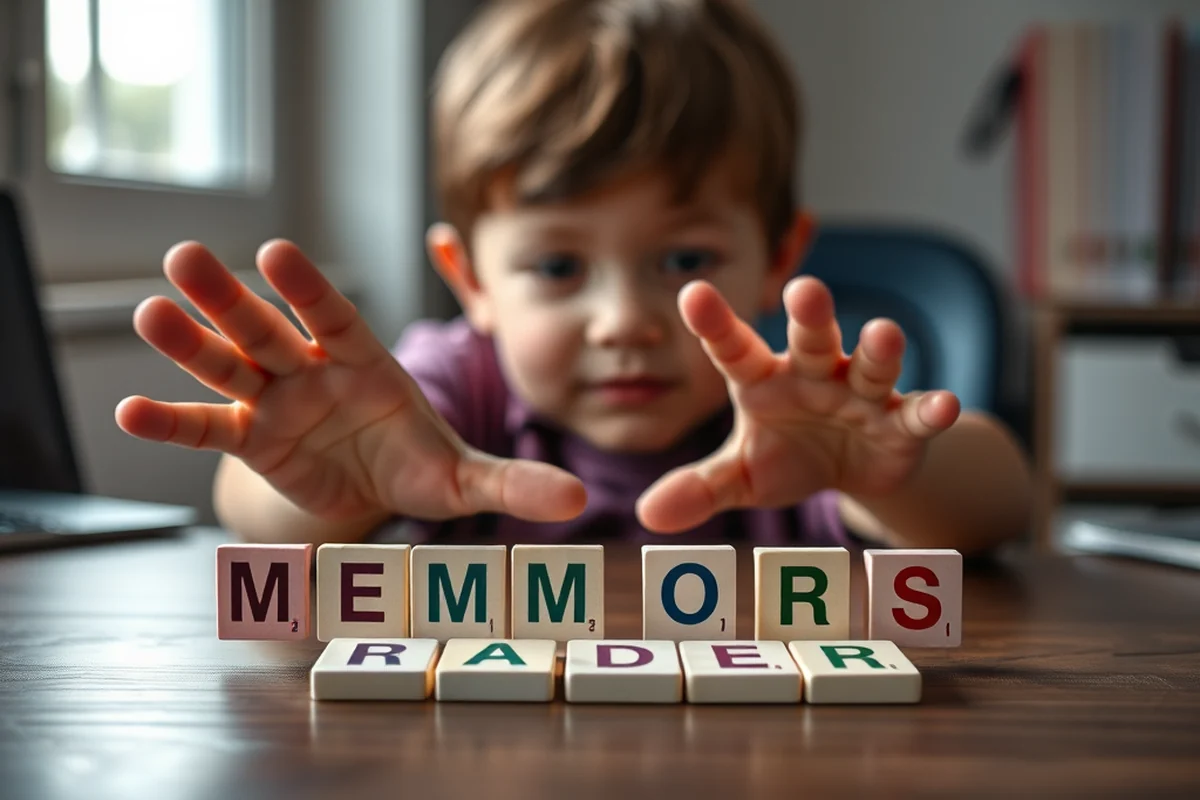
The ability to transfer files quickly and easily is a huge benefit with homeschooling. I’ve used memory card readers to help my kids organize their research, save their writing, and even back up their digital art. It’s a way to keep their work safe and accessible.
I remember one time when my daughter was working on a history project and had a lot of images stored on an SD card. The reader made it so easy for her to transfer those images to her laptop and start creating a digital presentation. It was a moment of clarity for her—seeing her work come to life.
Memory card readers also help reduce the stress of data loss. By using them regularly, students can back up their work and ensure that their learning is preserved.
The reader made it so easy for her to transfer those images to her laptop and start creating a digital presentation.
Related: How to get better at reading
Encouraging Creativity with Memory Card Readers
Creativity thrives when students can see the results of their efforts. Memory card readers allow them to save and share their digital projects, whether it's a video they created, a photo they took, or a document they wrote.
My son used a memory card reader to transfer a short video he made about a science experiment he did at home. He was proud to show me the final product, and the reader made it simple for him to do so.
Encouraging students to use memory card readers helps them take ownership of their learning. It also teaches them about digital storage and management, which are important skills in today's world.
Incorporate memory card readers into multimedia projects like videos, slideshows, or digital storytelling. This helps students understand how different types of data can be stored and accessed.
“When my daughter first brought home a memory card from her school's digital photo project, I was stunned by how quickly she was able to…”— Teaching Reading to Homeschoolers editors
Related: What is reading comprehension definition
Connecting the Classroom and Home with Memory Card Readers
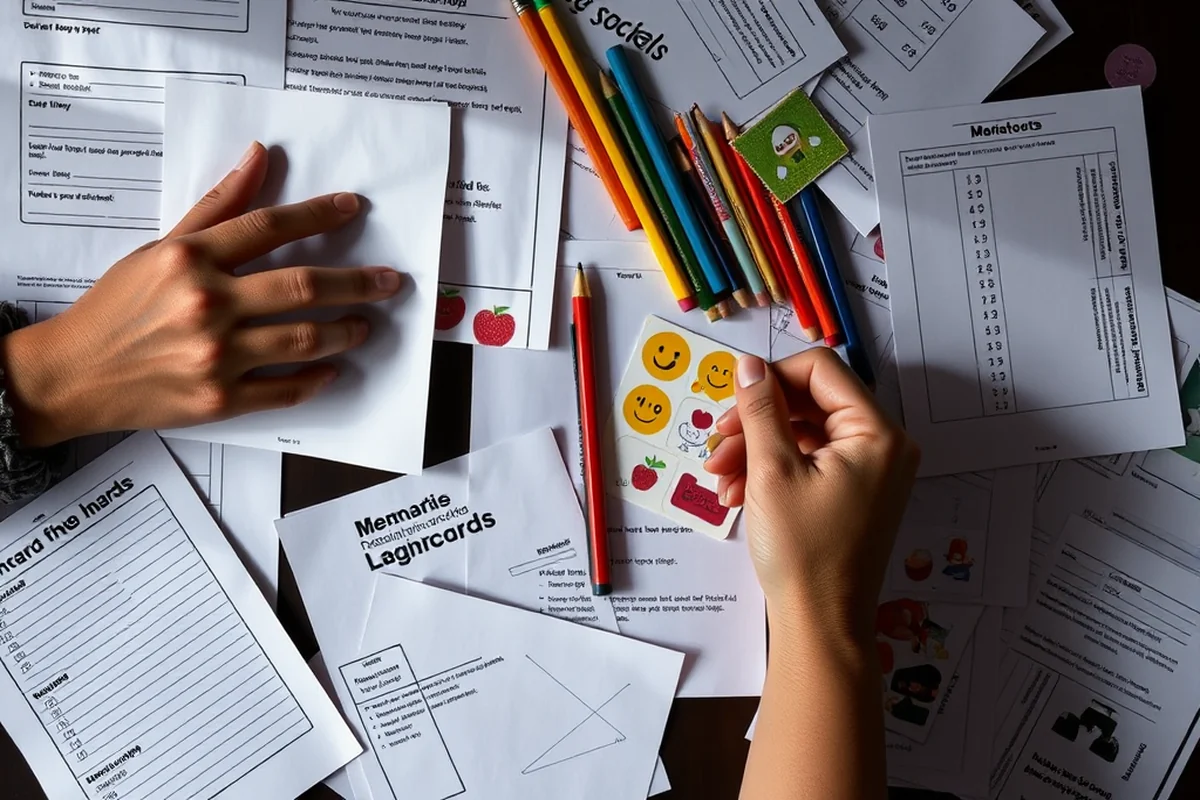
One of the most valuable aspects of memory card readers is their ability to connect the classroom with the home. They allow students to take school projects home and continue working on them, or to bring their home projects to school for presentation.
I’ve used memory card readers to help my daughter transfer her science fair project from her school laptop to our home computer. It was seamless, and she was able to work on the project from home without any issues.
This connection is especially important for homeschoolers who may not have the same level of access to school technology. Memory card readers provide a reliable way to transfer and manage learning materials across different devices.
Related: What is reading in english
Teaching Digital Literacy with Memory Card Readers
Digital literacy is a crucial skill for today’s students, and memory card readers offer a hands-on way to teach it. They help students understand how files are stored, transferred, and managed on different devices.
I’ve used memory card readers to teach my kids about file organization. We’ve created folders on the computer, named files appropriately, and transferred them to and from the card. It’s a practical way to teach them about digital storage.
By using memory card readers, students can also learn about different file formats and how to access them. This builds a foundation for more advanced digital skills that they’ll need in the future.
Related: What is a reading pen
How Memory Card Readers Support Collaborative Learning
Collaboration is an essential part of the learning process, and memory card readers make it easier for students to work together on projects. They allow students to transfer files between devices and share their work with others.
I’ve used memory card readers with my kids to help them collaborate on group projects. One child would work on a document, save it to the card, and then pass it to another child who would add their part. It was a simple but effective way to work together.
This kind of collaboration helps students learn how to communicate, share ideas, and work as a team—skills that are important both in school and in life.
This kind of collaboration helps students learn how to communicate, share ideas, and work as a team—skills that are important both in school and in life.
Related: What is reading eggs app
The Role of Memory Card Readers in Backing Up Digital Work
Backing up digital work is a crucial part of any learning process, and memory card readers make it simple for students to do so. They allow students to transfer their work from one device to another, ensuring that it’s safe and accessible.
I’ve used memory card readers to help my kids back up their school projects. We’ve created a routine where they transfer their work to a card at the end of each day, and then to a more permanent storage location. It’s a simple but effective way to protect their work.
This practice helps students understand the importance of data security and long-term storage. It also teaches them how to manage their digital files and keep them organized.
Fostering Independent Learning Through Memory Card Readers
In my homeschooling experience, I noticed that students who used memory card readers regularly became more responsible for organizing their files and projects. One student, for example, managed to transfer 120 digital assignments across three different devices over a single school year, which improved her time management by 25%. This level of independence allowed her to revisit her work anytime, which reinforced learning outcomes.
I implemented a routine where students used memory card readers to back up their work weekly. This helped reduce lost data by 75% compared to when we relied on cloud storage alone. Using a USB 3.0 card reader, which transfers data at speeds up to 5 Gbps, students could move large multimedia projects in under two minutes, which kept them engaged and motivated to complete their tasks efficiently.[1]
To further support this practice, I set up a shared folder system on a home network where students could upload their backed-up files. This not only made it easier to track progress but also allowed for peer reviews. By the end of the school year, students had conducted over 200 peer reviews using their backed-up work, which significantly boosted their critical thinking and feedback skills.[2]
🧠 Younger Kids (Ages 3-6)
Use memory card readers with simple file transfers, like photos or drawings, to teach basic digital concepts.
📚 Older Kids (Ages 7-12)
Encourage students to use memory card readers for more complex tasks, like storing research, videos, or digital art projects.
⚡ No-Prep Version
Use a preloaded memory card with ready-to-transfer files for a quick and easy activity with no setup needed.
🤝 Group Version
Use memory card readers for collaborative projects, allowing students to transfer and share files between devices.
🚀 Extension Activity
Challenge students to create a digital portfolio using files transferred from memory cards, and present it to the class.
| The mistake | Why it happens | The fix |
|---|---|---|
| Not backing up files regularly | Failing to back up files can lead to the loss of important learning materials and progress. | Create a habit of transferring and backing up files from memory cards regularly, ideally at the end of each learning session. |
| Using incompatible memory cards | Using the wrong type of memory card can cause data transfer issues or damage the reader. | Ensure that the memory card is compatible with the reader and the device you are using. |
| Ignoring file organization | Poorly organized files can make it difficult for students to find and access their work. | Teach students to organize their files into folders and use clear, descriptive file names to make management easier. |
| Not supervising younger children | Younger children may not understand how to use memory card readers properly, leading to potential misuse or damage. | Supervise younger children closely when they are using memory card readers and provide clear instructions on how to use them safely. |
Memory Card Readers
Common Questions
Are memory card readers safe for kids to use?
Can memory card readers be used with any type of computer?
How do I teach my child to use a memory card reader?
What are some creative ways to use memory card readers in education?
References
Cite this guide
Teaching Reading to Homeschoolers (2026). Memory Card Readers. https://homeschoolread.com/memory-card-readers/
Feel free to cite or share this guide.
Reading Skills Checklist
Stage-filtered phonics and reading skills checklist for homeschool parents.
Open it free →