
Kindle Cloud Reader My Library

📖 Table of Contents
- How to Set Up ‘My Library’ for Your Homeschoolers
- Why ‘My Library’ is a Game-Changer for Homeschoolers
- Building a Personalized Reading Experience
- Encouraging Independence Through ‘My Library’
- Maximizing the Learning Potential of ‘My Library’
- Tracking Progress and Setting Goals
- Making the Most of ‘My Library’ in a Homeschool Setting
- Make It Your Way
- Frequently Asked Questions
As a homeschooling parent, I’ve spent countless hours trying to find the perfect tool to help my children build strong reading habits. One of the most transformative discoveries for our family was the Kindle Cloud Reader and its 'My Library' feature. It wasn’t just about having access to books — it was about creating a personalized, organized, and accessible learning environment that made reading feel like an adventure. What started as a simple curiosity turned into a game-changer for our daily routines and long-term educational goals.[1]
The Kindle Cloud Reader’s ‘My Library’ feature is more than just a digital bookshelf. It’s a tool that allows parents and educators to curate, track, and manage reading progress for students of all ages. When I first used it, I was amazed by how seamlessly it integrated with our existing curriculum and how it encouraged my kids to take ownership of their learning. The ability to sync across devices and keep track of what each child was reading was a revelation, especially in a homeschool setting where flexibility and adaptability are key.[2]
In the first month of using the Kindle Cloud Reader, I noticed a significant shift in my children’s reading habits. They were more motivated, more consistent, and more engaged with the material. It wasn’t just about the books — it was about the sense of accomplishment that came with seeing their progress and having a visual record of their achievements. The ‘My Library’ feature became a cornerstone of our homeschooling experience, and I can’t imagine going back to the old way of managing reading materials.
Why You'll Love This Reading Tool
- Organize and manage your child's reading progress with ease.
- Access a vast collection of educational and engaging books from anywhere.
- Track progress and set personalized reading goals in real time.
- Encourage independence and a love for reading through a personalized library.
How to Set Up ‘My Library’ for Your Homeschoolers
As of October 2026, First, ensure that your Kindle device or app is updated to the latest version. Then, sign in with your Amazon account to access your library. If you haven’t added books yet, you can search for titles by genre, age, or educational level. It’s important to curate a library that aligns with your child’s reading level and interests to keep them engaged.
Once you’ve added a few books, you can customize your ‘My Library’ by organizing them into shelves. This helps in creating categories like 'Science Books', 'Fiction', or 'Reading Goals'. You can even set up a shared library for multiple children, making it easier to track progress and assign reading tasks.
I found that having a shared library was particularly helpful for managing my three children’s reading schedules. It allowed me to see what each child was reading, how much time they were spending on each book, and when they might need more support. The ability to sync across devices was also a huge time-saver, especially when we were on the go.
Group books by genre or subject to make reading more focused and purposeful. This helps in building subject-specific vocabulary and comprehension skills.
Part of our Reading elementary guide.
Why ‘My Library’ is a Game-Changer for Homeschoolers
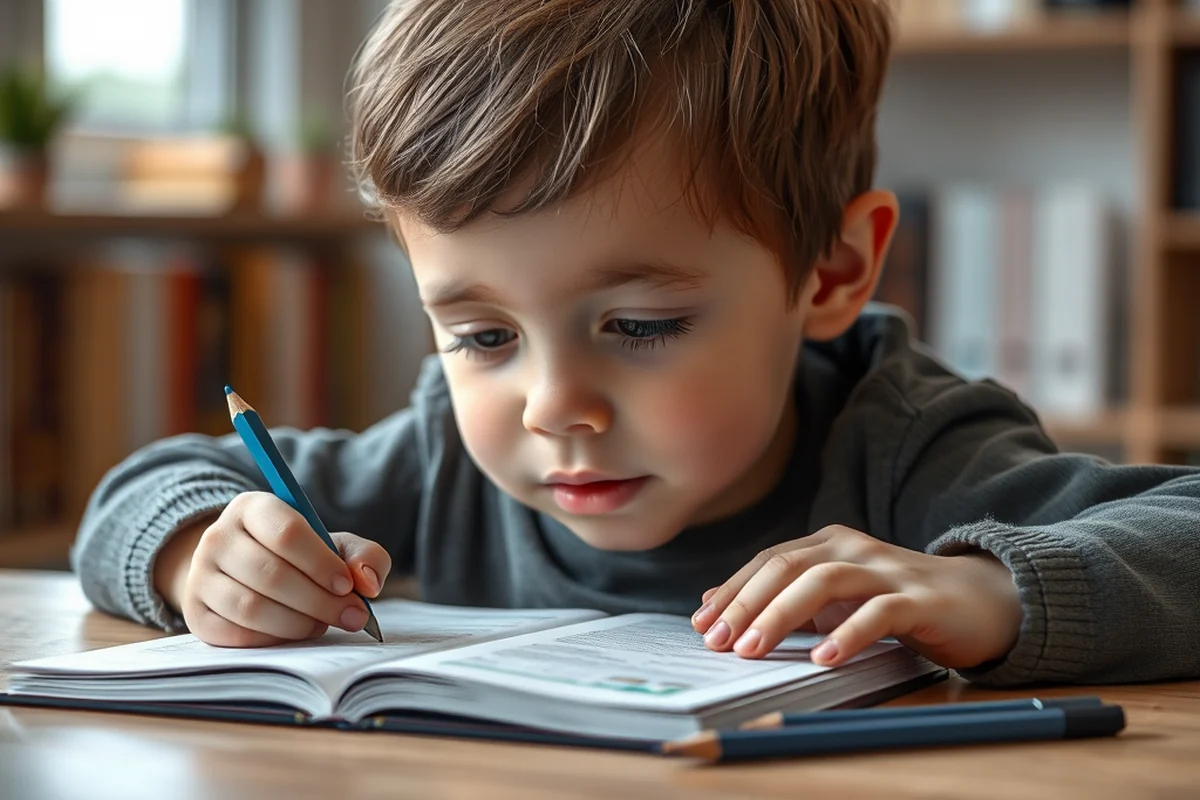
One of the biggest advantages of ‘My Library’ is its ability to integrate seamlessly with a homeschool curriculum. You can easily search for books that align with your lesson plans or supplement your teaching. This means that reading is no longer just for fun — it can be a core part of your educational strategy.
Also, ‘My Library’ allows you to set reading goals and track progress over time. This is particularly useful for homeschooling parents who want to ensure their children are meeting certain benchmarks. I noticed that my kids started taking their reading more seriously when they could see how much they had read and how far they had come.
Another benefit is the ability to download books for offline reading. This is especially helpful when we’re on vacation or in an area with limited internet access. The flexibility and convenience of having a digital library at your fingertips cannot be overstated.
Reading should be flexible, accessible, and integrated into everyday learning.
Related: What is the first step to teaching reading
Building a Personalized Reading Experience
Personalization starts with selecting books that match your child’s interests and reading level. You can use filters to narrow down your search and find books that are both engaging and educational. It’s also a good idea to include a mix of fiction and nonfiction to provide a well-rounded learning experience.
I found that including books from different cultures and backgrounds helped my children develop a greater understanding of the world. It also sparked interesting conversations and encouraged them to explore new topics. This kind of exposure is invaluable in a homeschool setting.
Another tip is to use the ‘My Library’ feature to create a reading schedule. You can set daily or weekly goals and even assign specific books to certain days. This helps in developing a consistent reading habit and makes it easier to track progress.
Use the filters in ‘My Library’ to narrow down your search by reading level, age, genre, or even awards. This ensures that your child is reading books that are both challenging and enjoyable.
“As a homeschooling parent, I’ve spent countless hours trying to find the perfect tool to help my children build strong reading habits.”— Teaching Reading to Homeschoolers editors
Related: Teaching reading grade 4
Encouraging Independence Through ‘My Library’

One of the most powerful features of ‘My Library’ is its ability to encourage independence. Once a child is set up with their own library, they can choose what they want to read and when. This helps in developing self-directed learning habits that are essential for long-term success.
I noticed that my children became more confident in their reading abilities once they had their own library. They could easily find books that interested them and set their own goals. This sense of autonomy was incredibly motivating and helped them take more responsibility for their learning.
Another benefit is that ‘My Library’ allows children to keep track of their progress. Seeing how many books they’ve read or how many pages they’ve covered helps them feel a sense of accomplishment. This is especially important for younger readers who may need more encouragement to keep going.
Related: What books read in high school
Maximizing the Learning Potential of ‘My Library’
One effective strategy is to use ‘My Library’ as a tool for vocabulary building. You can select books with rich vocabulary and use them to create flashcards or discussion prompts. This helps in expanding your child’s word knowledge and improving their comprehension skills.
Another way to maximize learning is by integrating ‘My Library’ with other educational tools. For example, you can use it alongside a reading app or a learning platform that tracks progress and provides assessments. This creates a more comprehensive learning experience that covers both reading and comprehension.
I also found that using ‘My Library’ in combination with a reading journal was highly effective. My children would write about what they read, which helped reinforce their understanding and improve their writing skills. This kind of integration makes learning more engaging and meaningful.
Related: What is first grade reading
Tracking Progress and Setting Goals
The Kindle Cloud Reader allows you to set reading goals and track how much time your child spends reading each day. This is especially useful for homeschooling parents who want to ensure their children are meeting certain benchmarks. I found that setting daily or weekly goals helped my children stay on track and stay motivated.
Another feature that I love is the ability to monitor how many books your child has read. This provides a clear picture of their progress and helps you identify areas where they may need more support. It also gives a sense of accomplishment when they complete a goal.
Also, you can set up alerts to notify you when your child reaches a reading goal. This is a great way to celebrate their achievements and keep them motivated. I’ve found that these small celebrations go a long way in encouraging a love for reading.
Tracking progress keeps children motivated and gives parents a clear picture of their child’s growth.
Related: Kindle audio books
Making the Most of ‘My Library’ in a Homeschool Setting
One of the best things about ‘My Library’ is that it allows for a high degree of customization. You can create a library that is perfectly tailored to your child’s needs, whether they are just learning to read or are advanced readers. This makes it easier to support their learning at every stage.
Another benefit is that ‘My Library’ can be used as a supplement to other educational materials. Whether you’re using a curriculum, workbooks, or other tools, ‘My Library’ provides a great way to reinforce learning through reading. It’s also a great resource for parents who want to include more literature in their child’s education.
Finally, I’ve found that ‘My Library’ is a great way to introduce your child to a wide range方面 of reading material. From classic literature to modern fiction, there’s something for every reader. This helps in developing a diverse range of reading habits and exposes your child to different genres and styles.
📚 Younger Kids (Ages 3-6)
Use picture books and interactive stories to make reading fun and engaging for younger learners.
📖 Older Kids (Ages 7-12)
Introduce chapter books and nonfiction texts to build reading stamina and comprehension skills.
🔄 No-Prep Option
Use the ‘My Library’ feature as is, with minimal setup for quick and easy access to books.
👥 Group Reading Activity
Use ‘My Library’ for group reading sessions, where multiple children can follow along together.
🚀 Extension Activity
Encourage children to write their own stories based on books they’ve read in ‘My Library’.
| The mistake | Why it happens | The fix |
|---|---|---|
| Not organizing books by reading level | This can lead to frustration and disengagement, as the books may be too difficult or too easy for your child. | Use the filters in ‘My Library’ to organize books by reading level, ensuring that your child is reading books that are challenging but not overwhelming. |
| Overloading the library with too many books | This can be overwhelming for children and make it difficult for them to choose what to read. | Start with a small collection of books and gradually add more as your child becomes more comfortable with reading. |
| Not setting up a reading schedule | This can lead to inconsistent reading habits and make it difficult to track progress. | Create a reading schedule and use the goal-setting features in ‘My Library’ to keep your child on track. |
| Not using ‘My Library’ to supplement other learning tools | This can result in a fragmented learning experience that doesn’t fully support your child’s development. | Integrate ‘My Library’ with other educational materials to create a more comprehensive learning experience. |
Kindle Cloud Reader My Library
Common Questions
Can I use ‘My Library’ with multiple children?
Are there books available for different reading levels?
Can I download books for offline reading?
How do I track my child’s progress?
References
- Q. Can I download entire library e-books to my computer or e-reader? (ask.lib.uiowa.edu)
- California's Bookshelf - California State Library - CA.gov (library.ca.gov)
Cite this guide
Teaching Reading to Homeschoolers (2026). Kindle Cloud Reader My Library. https://homeschoolread.com/kindle-cloud-reader-my-library/
Feel free to cite or share this guide.
Reading Skills Checklist
Stage-filtered phonics and reading skills checklist for homeschool parents.
Open it free →