
What Is Kindle Reader App

📖 Table of Contents
- What Is the Kindle Reader App?
- How the Kindle Reader App Enhances Learning
- How to Get Started with the Kindle Reader App
- Tips for Parents and Educators
- The Benefits of Using the Kindle Reader App in Homeschooling
- How the Kindle Reader App Encourages a Love for Reading
- Final Thoughts on the Kindle Reader App
- Make It Your Way
- Frequently Asked Questions
I still remember the first time I opened the Kindle Reader App on my tablet, the way the screen lit up with the crisp, clean lines of a novel I'd been meaning to read for months. It felt like a quiet revolution—no pages to turn, no weight in my hands, just a world of stories waiting to be explored. For parents and educators, this app is more than just a digital library; it's a tool that can transform how we engage with reading, especially in the context of homeschooling. The Kindle Reader App isn't just about convenience—it's about opening up a new way to connect with literature, and it's worth exploring in depth.
In the past few years, the Kindle Reader App has become a go-to resource for many homeschoolers, teachers, and students alike. I've seen it used in classrooms where reading used to feel like a chore, and now it's a daily highlight. The app's seamless integration with Amazon's vast library of books, its customizable fonts, and its ability to sync across devices have made it a staple in many homes. It's not just about reading—it's about making reading accessible, engaging, and deeply personal for each learner.
The Kindle Reader App has also helped my own children develop a love for reading that I never imagined possible. Whether they're exploring a mystery novel during the day or picking up a nonfiction book before bed, the app's features make it easy for them to find what interests them most. It's a tool that doesn't just deliver books—it delivers a reading experience that's tailored to each child's preferences and needs. The more I use it, the more I see how powerful it can be for education.
Why You'll Love This Reading Experience
- Access to over 2 million titles, all from one platform.
- Customizable fonts and backgrounds to suit different learning styles.
- Syncing across devices ensures seamless reading progress.
- Interactive features like highlighting and note-taking boost comprehension.
What Is the Kindle Reader App?
As of November 2026, the Kindle Reader App is a software application that allows users to read e-books on their tablets, smartphones, or computers. It was developed by Amazon to make reading more accessible, and it has grown into a powerful tool for educators and learners. With its clean interface and intuitive design, the app makes it easy to navigate through a vast library of titles.
One of the standout features of the Kindle Reader App is its seamless integration with Amazon's e-book marketplace. This means that users can browse, purchase, and read books all in one place. It's a one-stop shop for readers who want to explore a wide range of genres, from fiction to nonfiction, without ever leaving the app.
Another key aspect of the Kindle Reader App is its ability to sync across multiple devices. Whether you're reading on your tablet in the morning and then switching to your phone in the afternoon, your progress is always saved. This makes it an ideal tool for homeschoolers who may be reading on different devices throughout the day.
Encourage learners to use the highlight feature to mark important passages. This not only reinforces comprehension but also helps with retention and review.
Part of our Reading strategies guide.
How the Kindle Reader App Enhances Learning
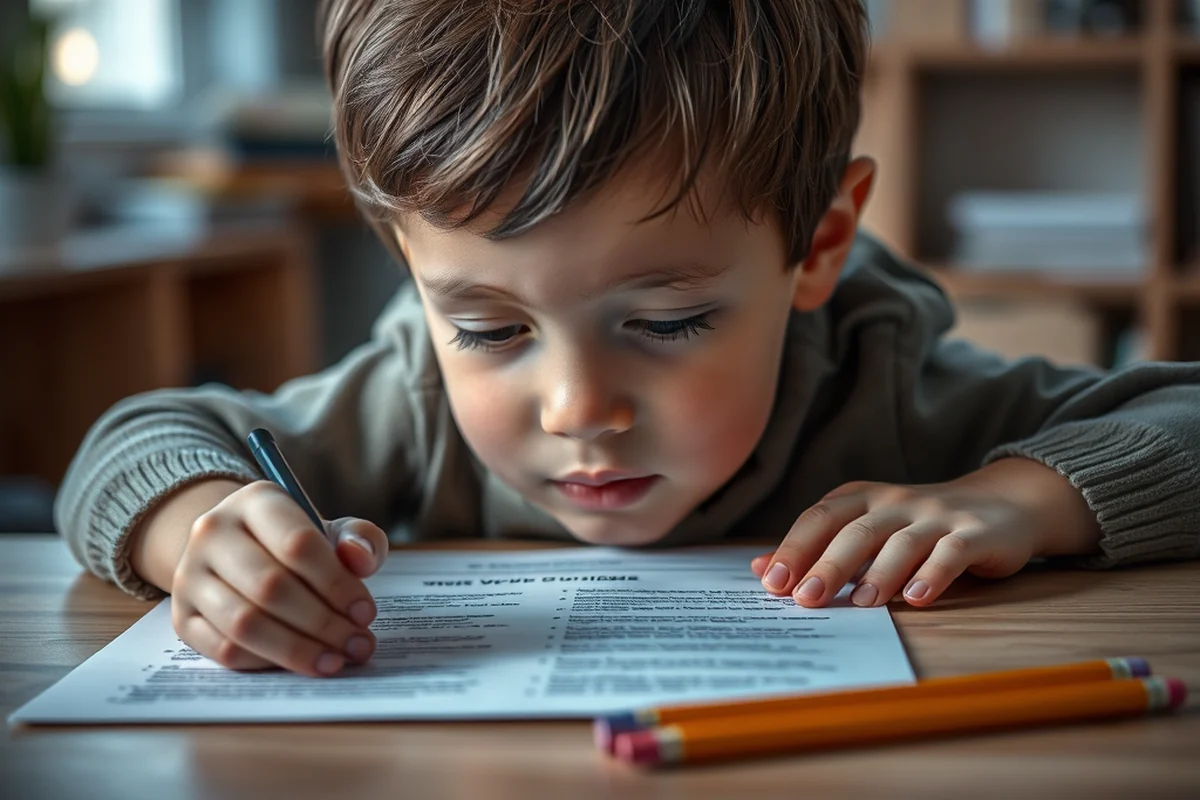
The Kindle Reader App is more than just a digital book reader—it's an educational tool that supports various learning styles. For visual learners, the ability to adjust font size and background color can make reading more comfortable and engaging. For auditory learners, the app's compatibility with audiobooks and text-to-speech features can be a game-changer.
One of the most useful features for educators is the ability to create and share reading lists. This makes it easy to curate a collection of books that align with a specific curriculum or learning objective. Whether you're teaching about the American Revolution or exploring the wonders of the universe, the Kindle Reader App can provide the resources you need.
The app's note-taking and highlighting features also make it a valuable tool for students who need to take detailed notes while reading. This is especially helpful for homeschoolers who may be responsible for their own study and review sessions.[1]
The Kindle Reader App turns reading into a personalized and interactive experience.
Related: What s in reading pennsylvania
How to Get Started with the Kindle Reader App
To begin using the Kindle Reader App, you'll need to download it from the Amazon app store. Once installed, you can log in with your Amazon account. If you don't have one, you can easily create an account by providing your email address and setting up a password.
After logging in, you'll have access to Amazon's vast library of e-books. You can search for books by title, author, or genre. Once you find a book you're interested in, you can purchase it or borrow it for free if you're an Amazon Prime member.
Once you've downloaded a book, you can start reading immediately. The app's clean, user-friendly interface makes navigation easy, and you can customize your reading experience with features like adjustable font size, background color, and text alignment.
The X-Ray feature allows readers to explore the context of unfamiliar words or characters. This is a great tool for students who are learning to read more complex texts.
“I still remember the first time I opened the Kindle Reader App on my tablet, the way the screen lit up with the crisp, clean…”— Teaching Reading to Homeschoolers editors
Related: What is reading universe
Tips for Parents and Educators
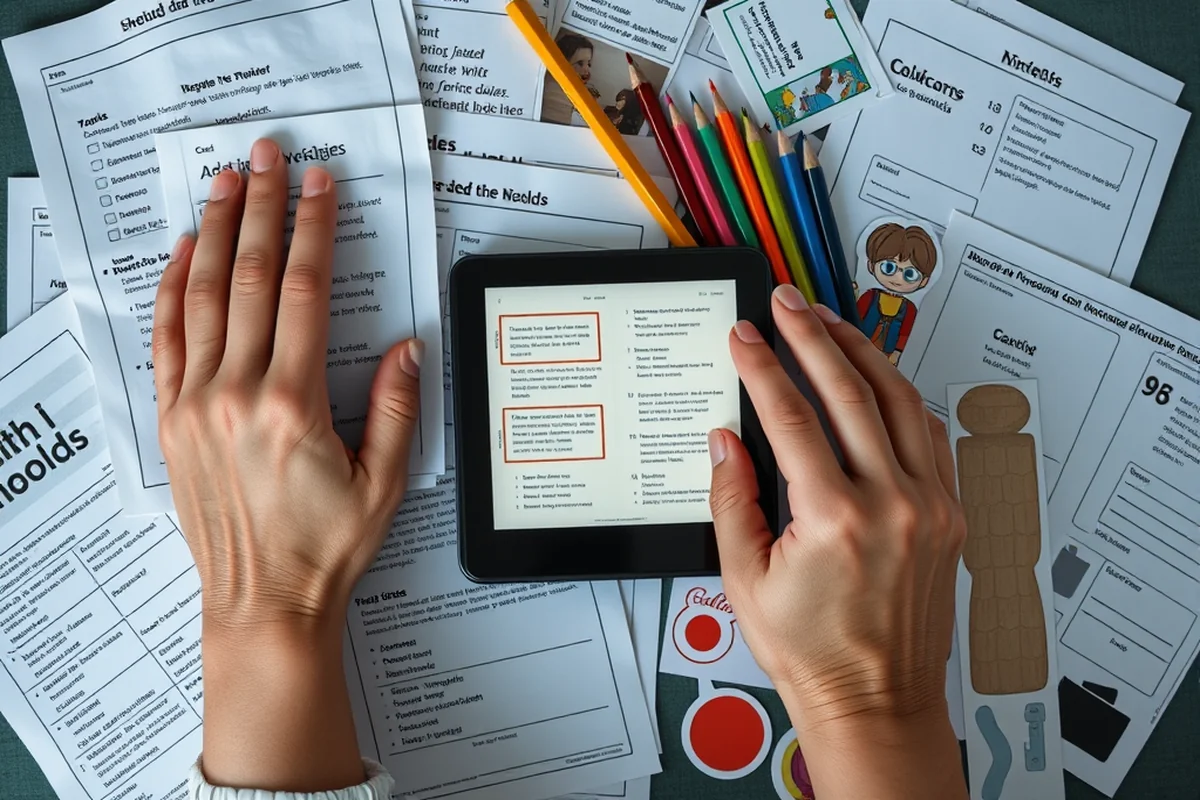
One of the best ways to use the Kindle Reader App is to set reading goals for your children or students. This can be as simple as setting a daily reading time or creating a weekly goal to finish a certain number of books. This helps build a consistent reading habit and makes progress measurable.
Another tip is to use the app's built-in features to support reading comprehension. Encourage learners to use the highlight, note, and bookmark functions to track important information. This not only helps with retention but also makes it easier to review material later.
Parents and educators can also use the app to monitor progress. The app allows users to view their reading history, track how many books they've read, and even set reminders for reading sessions. This is a great way to stay motivated and on track with reading goals.
Related: How to read alouds for kids
The Benefits of Using the Kindle Reader App in Homeschooling
One of the biggest advantages of the Kindle Reader App is its flexibility. Homeschoolers can read on any device, at any time, and from anywhere. This makes it easy to fit reading into a busy schedule and maintain a consistent learning routine.
Another benefit is the app's ability to personalize the reading experience. With options like adjustable font size, background color, and text-to-speech features, the app can be tailored to meet the needs of each learner. This makes it especially useful for students with dyslexia or other reading challenges.
The app's integration with Amazon's e-book library also means that homeschoolers have access to a vast selection of books on a wide range of subjects. Whether they're studying history, science, or literature, the Kindle Reader App can provide the resources they need.
Related: What is reading theory
How the Kindle Reader App Encourages a Love for Reading
One of the best things about the Kindle Reader App is that it makes reading feel more like an adventure than a task. With its seamless navigation and interactive features, the app transforms reading into an engaging and enjoyable experience.
The app's ability to recommend books based on a user's reading history is another way it encourages a love for reading. By suggesting books that align with a reader's interests, the app helps discover new authors and genres that they may not have considered before.[2]
For parents and educators, the app can be a valuable tool for fostering a reading culture at home. By making reading accessible and enjoyable, the Kindle Reader App helps children develop a lifelong passion for books and learning.
The Kindle Reader App turns reading into an adventure that children can't get enough of.
Related: What is in prime reading
Final Thoughts on the Kindle Reader App
Whether you're a homeschooler, a teacher, or a student, the Kindle Reader App offers a range of features that make reading more accessible, engaging, and personalized. From its vast library of books to its customizable settings, the app is a must-have tool for anyone who loves to read.
As I've seen with my own children, the Kindle Reader App has the power to transform the way students engage with reading. It's not just about convenience—it's about making reading a meaningful and enjoyable part of everyday life.
If you're looking for a way to bring more books into your home or classroom, the Kindle Reader App is definitely worth exploring. With its wide range of features and seamless integration with Amazon's e-book library, it's a tool that can help every learner find their next favorite book.
📚 Younger Kids
The Kindle Reader App can be customized for younger readers with larger fonts and colorful backgrounds.
🎓 Older Kids
Older students can use the app to explore more complex texts and take detailed notes while reading.
⏱️ No-Prep
The app is ideal for no-prep reading sessions, as books can be accessed instantly from Amazon's library.
👥 Group Version
The app's sharing features make it easy to create and distribute reading lists for group activities.
🔍 Extension
Students can use the X-Ray feature to explore unfamiliar words and characters in more detail.
| The mistake | Why it happens | The fix |
|---|---|---|
| Not using the app's customization features | Failing to take advantage of customizable fonts and backgrounds can make reading less comfortable for students with learning difficulties. | Encourage learners to experiment with different font sizes, colors, and background options to find what works best for them. |
| Ignoring the note-taking feature | Not using the app's note-taking tools can limit opportunities for deeper comprehension and review. | Teach learners how to use the app's highlighting, note-taking, and bookmarking features to reinforce learning. |
| Overlooking the X-Ray feature | Not using the X-Ray feature can prevent students from exploring the context of unfamiliar words or characters in books. | Introduce the X-Ray feature to students and encourage them to use it when reading more complex texts. |
| Not setting reading goals | Without clear reading goals, it can be difficult to maintain a consistent reading habit. | Help learners set achievable reading goals and track their progress using the app's built-in tools. |
What Is Kindle Reader App
Common Questions
Can I use the Kindle Reader App on multiple devices?
Do I need an Amazon account to use the Kindle Reader App?
How many books can I store on my device with the Kindle Reader App?
Can I read audiobooks with the Kindle Reader App?
References
- IntegratedDigital Literacy - RI Department of Education (ride.ri.gov)
- Digital Reading Among Educated Arabs: A Twitter-based Study - ERIC (files.eric.ed.gov)
Cite this guide
Teaching Reading to Homeschoolers (2026). What Is Kindle Reader App. https://homeschoolread.com/what-is-kindle-reader-app/
Feel free to cite or share this guide.
Reading Skills Checklist
Stage-filtered phonics and reading skills checklist for homeschool parents.
Open it free →