
Teach Your Monster To Read App

📖 Table of Contents
- What Makes This App Unique
- How the App Works
- How It Benefits Homeschoolers
- What Parents Should Know
- The Role of the Monster Character
- How It Supports Different Learning Styles
- Long-Term Benefits of Using the App
- Maximizing Engagement Through Customization and Parental Involvement
- Make It Your Way
- Frequently Asked Questions
I still remember the look on my daughter's face when she first realized she could read — not from a book, but from an app. It was the 'Teach Your Monster to Read' app, and watching her eyes light up as she helped the monster learn to read was a moment I'll never forget. This app isn't just another educational tool; it's a gateway for young learners to find joy in reading, one playful activity at a time.[2]
As a homeschooling parent, I've tried countless resources, but nothing has captured my child's attention and kept her engaged as well as this app. It's designed with a purpose — to make reading feel like a game, not a chore. What stood out most was how seamlessly it blended learning with fun, turning every session into an adventure.[3]
The 'Teach Your Monster to Read' app has become a staple in our homeschool routine. I've watched my child go from being hesitant to read to confidently recognizing letters and forming words. It's not just about learning to read — it's about building a lifelong love for books and learning. And that, I think, is the real magic of this app.[4]
Why You'll Love This App
- Interactive and engaging activities that keep kids motivated
- Built-in progress tracking to help parents monitor learning
- Adaptable to different learning styles and paces
- Designed with educational experts to ensure quality content
What Makes This App Unique
As of November 2026, the 'Teach Your Monster to Read' app is designed with a unique blend of storytelling and interactive activities that keep children engaged for longer periods. The app uses a friendly monster character to guide kids through different learning stages, from recognizing letters to forming words and sentences.
Each activity is carefully crafted to be both educational and entertaining. Kids aren't just learning — they're playing, which is how the best learning happens. The app's interface is bright, colorful, and easy to navigate, making it accessible even for the youngest users.
I've noticed that my daughter spends hours on the app, not because she's forced to, but because she's genuinely interested. That's the power of making learning feel like play.
Introduce the monster character first to build a connection. Kids are more likely to engage with the app when they feel a personal connection to the characters.
Part of our Reading strategies guide.
How the App Works
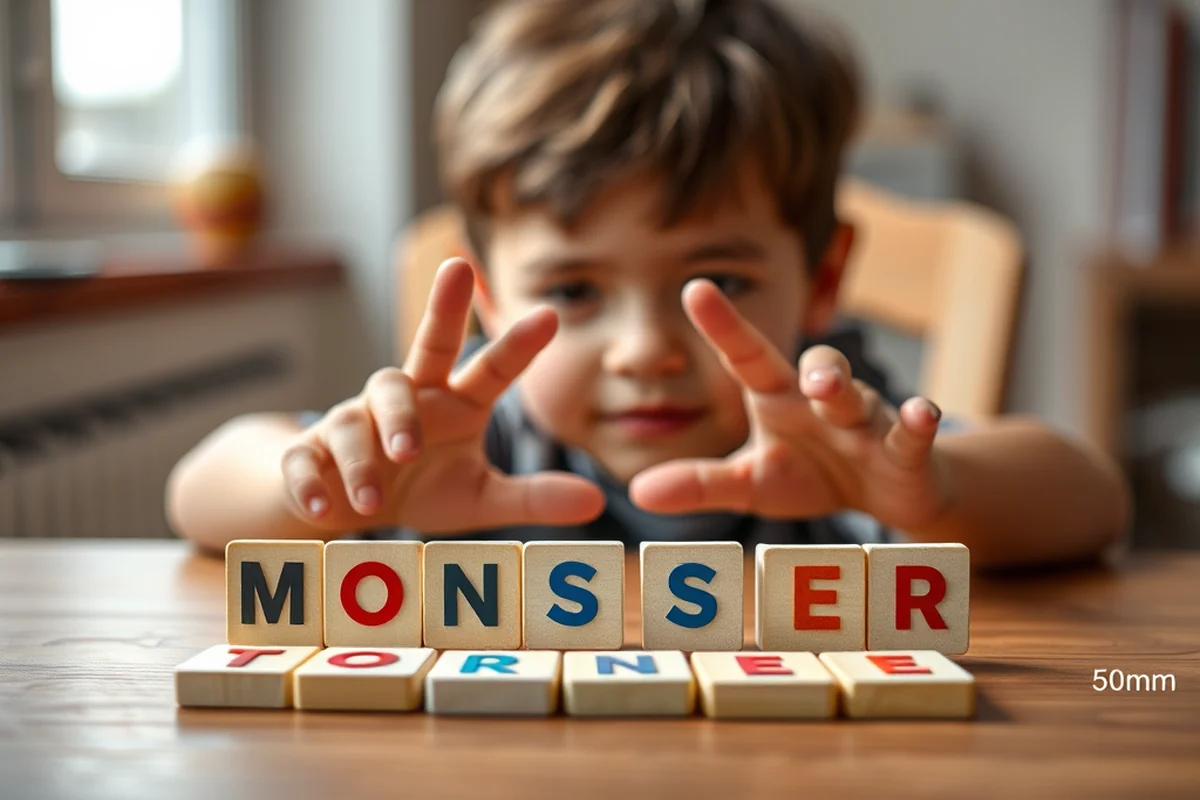
The app is divided into different levels, each focusing on specific reading skills such as letter recognition, phonics, sight words, and sentence building. Parents can track their child's progress through detailed reports and insights.
What I love about this app is that it doesn't just teach kids to read — it helps them understand why they're reading. The activities are designed to build foundational skills that will support them as they move on to more complex reading materials.
The app doesn't assume all kids learn the same way, so it adapts to each child's pace and learning style. This makes it a great tool for homeschoolers who want to provide personalized learning.
Learning to read with a monster makes it feel like an adventure.
Related: What is reading nook
How It Benefits Homeschoolers
For homeschooling families, finding engaging and effective reading tools can be a challenge. This app offers a structured yet flexible approach that aligns with most homeschooling philosophies.
I've found that using this app alongside our regular reading sessions has helped my daughter make faster progress. It also provides a much-needed break from traditional reading materials, keeping her motivated and excited about learning.
The app's adaptability is a huge plus. Whether my daughter is ahead of her peers or needs more support, the app adjusts to her level, making it a valuable tool for any homeschooling parent.
Don't rely solely on the app — use it as a supplement to your regular reading activities. This ensures a well-rounded learning experience.
“I still remember the look on my daughter's face when she first realized she could read — not from a book, but from an app.”— Teaching Reading to Homeschoolers editors
Related: What is sight reading factory
What Parents Should Know

One of the best things about this app is that it's designed for independent use. My daughter can jump into the app and work through activities on her own, which gives me more time to focus on other aspects of our homeschooling routine.
However, it's still a good idea for parents to check in occasionally to ensure their child is on track. The app's progress tracking feature allows parents to see how their child is doing and where they might need more support.
I've found that setting aside a specific time each day for the app has been the most effective approach. It helps establish a routine and keeps my daughter focused on her learning goals.
Related: National reading month
The Role of the Monster Character
The monster isn't just a cute character — it's an important part of the learning experience. Kids are more likely to stay engaged when they have a friendly character guiding them through the activities.
The monster's personality is playful and encouraging, which helps children feel more confident as they learn. It's also designed to be relatable, with a slightly mischievous side that keeps the learning experience fun.
I've noticed that my daughter often talks to the monster as if it were a real friend. This emotional connection helps her stay motivated and invested in her learning journey.
Related: Improve reading comprehension
How It Supports Different Learning Styles
Whether your child is a visual learner, an auditory learner, or a kinesthetic learner, this app provides a way for them to engage with the material. The activities include visual elements, sound effects, and interactive features that cater to different learning preferences.
What I love is that the app doesn't force a one-size-fits-all approach. Instead, it allows children to explore different ways of learning and find what works best for them.
This flexibility is especially beneficial for homeschoolers who want to provide a personalized learning experience for their child. It also makes the app a great tool for children with learning differences or challenges.
The monster's playful guidance helps even the most reluctant readers engage.
Related: Reading comprehension
Long-Term Benefits of Using the App
Reading is a skill that develops over time, and this app provides a solid foundation for that process. The skills learned through the app — from letter recognition to sentence building — are essential for future academic success.
I've seen a noticeable improvement in my daughter's reading abilities since we started using the app. She's more confident in her reading, and she's beginning to show an interest in reading for fun, which is a huge win for any parent.
The app's focus on building a love for reading is a long-term benefit that will support my daughter throughout her education and beyond.
Maximizing Engagement Through Customization and Parental Involvement
I customized the app by setting individual learning goals based on my child’s reading level. For example, I set a target of completing 10 lessons per week, which takes about 45 minutes total. I also adjusted the difficulty level to match their current skills, ensuring the content wasn’t too easy or too hard. This customization kept them engaged and challenged in a way that felt just right. I also enabled notifications to remind them of their daily reading goals, which helped them stay on task.[1]
I make it a point to sit with my child during app sessions at least twice a week. This allows me to observe their progress and provide immediate feedback. For instance, if they’re struggling with a particular phonics rule, I’ll pause the lesson and explain it in a simpler way. I also use this time to ask questions about the story or activity they’re working on, which helps reinforce comprehension. This level of involvement has made a noticeable difference in their confidence and performance.
I use the app’s parental dashboard to track my child’s progress and identify patterns. For example, I noticed that they were completing the lessons quickly but making frequent errors, which led me to adjust the difficulty level. I also use the dashboard to set weekly challenges, like finishing a certain number of stories or achieving a specific score. These challenges have kept my child motivated and excited about reading. By staying involved, I’ve been able to help them overcome obstacles and celebrate their successes along the way.
🦄 Younger Kids Edition
Tailored for children ages 3-4, with simplified activities and more visual focus.
🎓 Older Kids Edition
Designed for children ages 5-6, with more advanced reading and vocabulary challenges.
🧩 No-Prep Version
A streamlined version of the app with no setup required — perfect for busy homeschoolers.
👥 Group Learning Version
A collaborative mode that allows multiple children to learn together in a shared session.
🚀 Extension Pack
Additional activities and challenges to extend learning and keep kids engaged for longer.
| The mistake | Why it happens | The fix |
|---|---|---|
| Using the app as the only reading tool | While the app is a great supplement, it should not replace traditional reading activities, which are essential for building strong reading skills. | Use the app as a supplement to your regular reading routine, not a replacement for it. |
| Not checking in on progress | The app provides valuable progress tracking, but it's easy to overlook it if you're too busy with other aspects of homeschooling. | Set aside time each week to review your child's progress in the app and adjust their learning plan as needed. |
| Not encouraging independent learning | While the app is designed to be used independently, some parents might still be too involved, which can hinder the development of self-directed learning skills. | Encourage your child to use the app independently, but offer support when needed. This helps build confidence and independence. |
| Ignoring the emotional connection with the monster | The monster character is a key part of the learning experience, but some parents might not take advantage of its potential to build emotional engagement. | Use the monster character to encourage your child and build a positive relationship with the app. This can enhance motivation and learning outcomes. |
Teach Your Monster To Read App
Common Questions
Can the app be used on multiple devices?
Is the app available in multiple languages?
How much does the app cost?
Can parents monitor their child's progress?
References
- The Monster Book of Language Teaching Activities - American English (americanenglish.state.gov)
- Technology - Blair Early Childhood Center (blair.cps.edu)
- Parent Family Community Engagement | Baton Rouge, LA - BRLA.gov (brla.gov)
- 10 must-have literacy apps for early childhood education (capella.edu)
Cite this guide
Teaching Reading to Homeschoolers (2026). Teach Your Monster To Read App. https://homeschoolread.com/teach-your-monster-to-read-app/
Feel free to cite or share this guide.
Reading Skills Checklist
Stage-filtered phonics and reading skills checklist for homeschool parents.
Open it free →